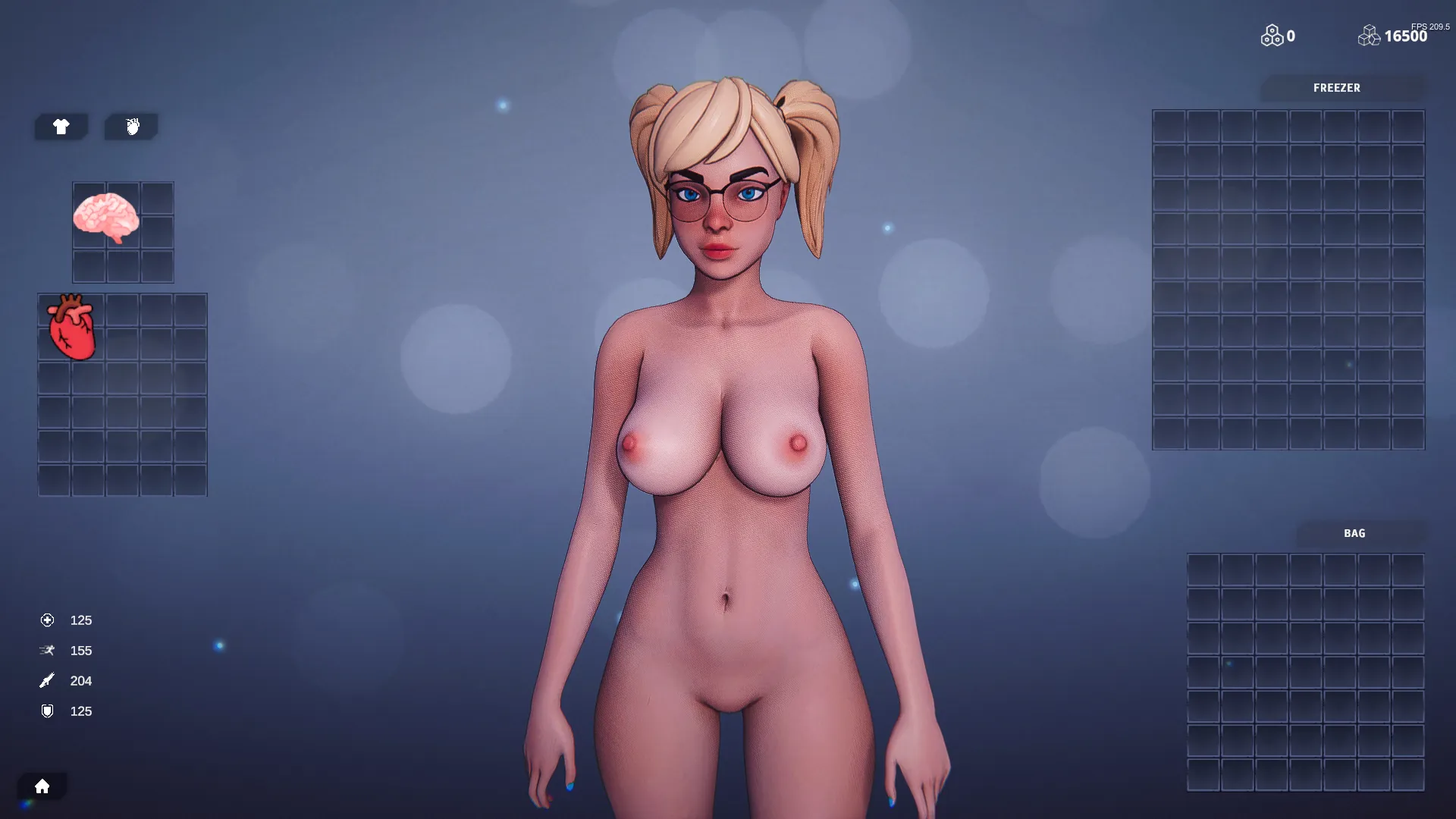
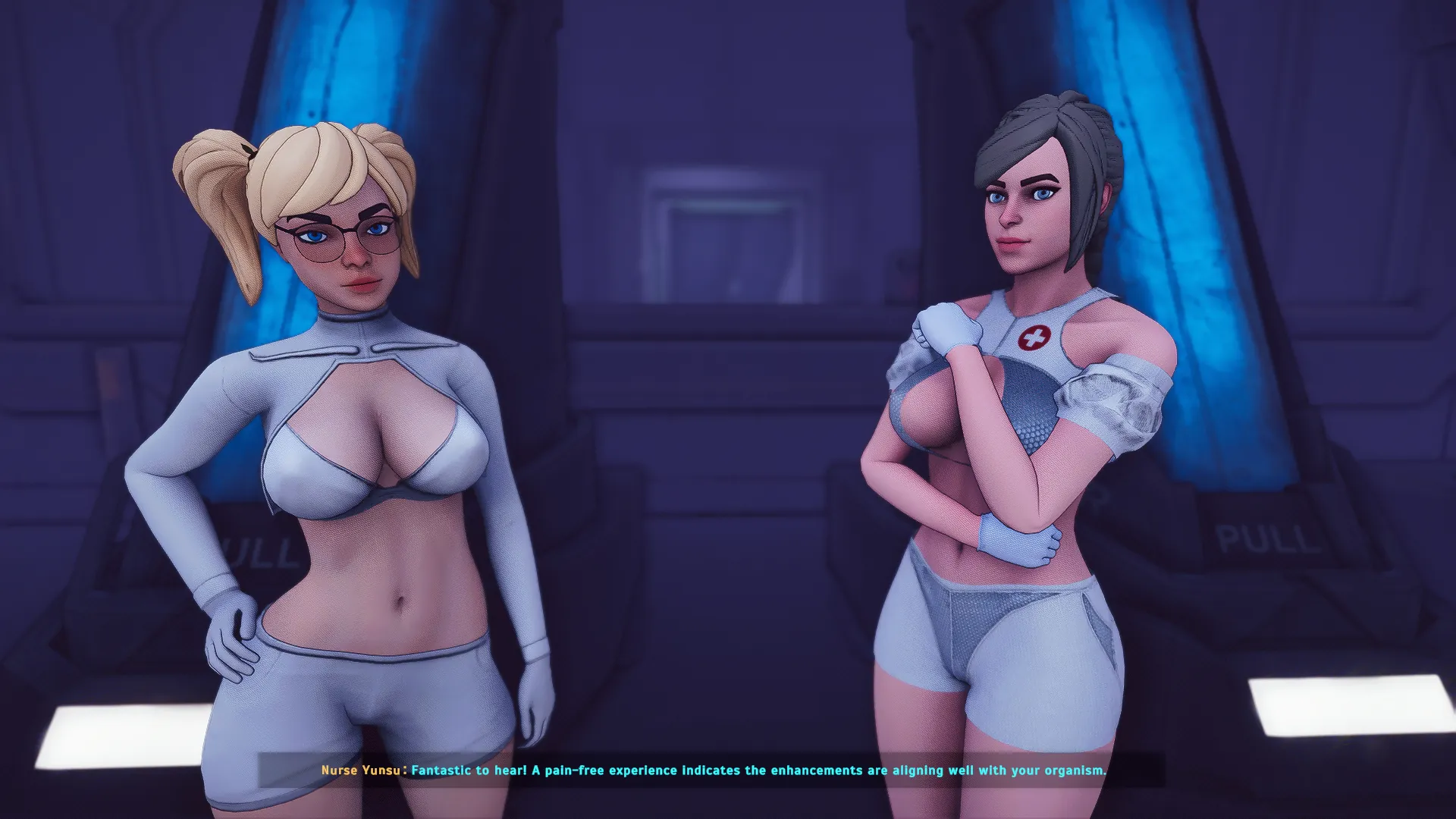


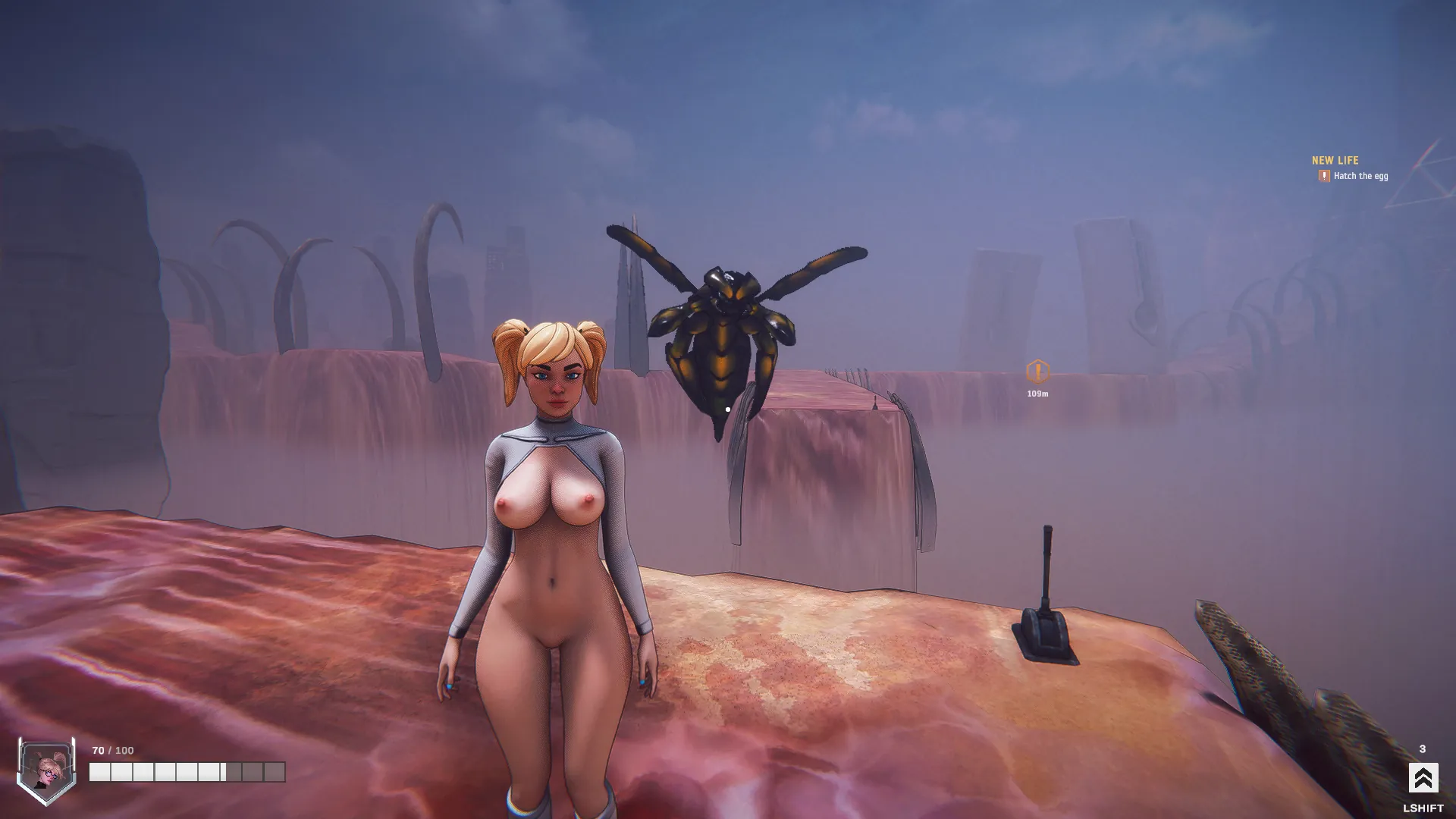
Shoot monsters and have sex with them during combat! In Sombionic you play as a female scientist fighting monsters and genetically engineered humans, harvesting their rare genes and organs for your own inventory. Once pristine habitats are now overrun by genetically enhanced species, their presence transforming these landscapes into biopunk arenas of rivalry.
Developer: Sombionic
Censored: No
Version: 0.3.11.1
OS: Windows
Language: English
Genre: 3d game, Anal sex, Female protagonist, Monster, Oral sex, Vaginal sex, Sandbox, Adventure, Combat, Horror, Shooter, Sci-fi, Character creation, Animated,
For Windows & Mac – Extract and run.
v0.3.11.1 Brings-
Highlights
- Easter Skin Returns to the Store
- New Grab & Struggle System
- Lab (Gallery) Mode Fully Reworked
- New Mini-Games System
- Improved Enemy AI
Gameplay
- Added a new Grab System. Enemies can now attempt to physically grab Melany when in close range instead of relying on damage-based triggers.
- Reworked interaction flow: enemies must now be near the player to initiate grabs, eliminating cases where interactions triggered from unrealistic distances.
- Added “tension-based” grab logic. Staying close to enemies increases their likelihood to attempt a grab. Frequently moving in and out of range accelerates this buildup.
- Implemented Grab Priority System: Light attacks can be interrupted and transitioned into a grab. Heavy attacks and ultimates (e.g. Kryth’s jump attack) cannot be interrupted and always take priority.
- Added Global and Local Cooldowns for grabs: Enemies that grab enter a local cooldown before attempting another grab. Nearby enemies are affected by a shorter global cooldown to prevent chain grabs.
- Added Struggle Mini-Game System. When grabbed, players enter a short interaction phase that allows them to resist and escape.
- Moved all mini-games (except Control Fight) out of animation scenes and into the Grab System.
- Removed rhythm prompts and score requirements from animation scenes.
- Added 2 grab animations for Kryth and Myrmidalus.
- NPCs now pick attacks based on priority, including Light, Heavy and Ultimate attacks. Damage varies by attack and heavier attacks are less likely to be selected frequently.
- All NPCs now use the new and more advanced AI system.
- Reworked the Lab game mode
Miscellaneous
- Updated Melany’s skin shader to support liquid effects, with upcoming implementation in animation scenes.
- Added setting to disable the Control Mini-Game. Turning it off will persist across all animation scenes.
- Pick a song from the animation scene.
UI
- Reworked animation scene UI to better highlight the current animation and preview the next animation when hovering over it.
- Added a simple operating system UI in the Lab scene.
- Animation Picker and Abilities Picker are now hidden when the enemy is in control during animation scenes.
Fixes
- Fixed typos in dialogue during Level 2 (Slime dialogue) and Level 3 (Emergency Landing cutscene).
Download Links
Download for Windows/ Linux
The fastest and Simplest way to get new links or links fixed is by- Reaching us out at
DISCORD Join Link – adultgamers/discord/server
Please join as this helps us to keep the website fully functional, promising that every Link works.
Benefits—–
- Help for Games
- Help in any kind of downloading issue
- 4000+ members Community to chat/Help
- Game Requests and more…..
- Instant new game Release/update notifications
WE WELCOME YOU FELLOW CULTURED MAN 💓💓

- Swipe down to hide the ui
- Swipe Up to Unhide The Ui
- Swipe left to roll back
- Swipe right to start skipping of text
- swipe 2x(2Fingers) left&right to open the game menu
- swipe up&down to toggle a small window with memory usage information
- longpress the save file thumbnail in the save/load screen to delete this slot
Walk-Through Features:
For PC: Unzip the MOD and put the folder named “game” from the mod in your “xxxxxxx-0.1-pc” folder.
For MAC: Unzip the mod -> Right-click your “XXXXXX” app -> Click “Show Package Contents” -> Open the “Contents” then “Resources” folders -> Hold the Option key and drag the folder named “game” from the mod to the “autorun” folder -> Click merge.
Installation:
Extract file from file to the \game folder and overwrite when prompted.
For Gallery unlocker Mod:
Extract and Copy to game folder->renpy folder
For Android:
Unzip the mod and paste it into the –
Filemanager/Android/data/fetish.locator(this can also be com.fetish.locator)/files
Inside file, create the folder (game) if there’s no such folder in files.
In new android software version many mobile phones doesn’t shows the data of the game. Download any 3rd party file manager file X-Plore, from Play-store and u’ll be able to access the data folder
- This mod adds an in-game walkthrough for every character and event in the game. The walkthrough menu contains dynamic guides that let you track your progress for each character and see the requirements needed to trigger their scenes and advance their story.(Some MOD may not have all this)
- A cheat menu has also been added which has cheats that allow you to disable mini-games, such as increase money, (if there’s a money feature in game like money + 999999 ) unlock all secret cards, and unlock all of the scenes in the scene gallery (Some MOD may not have all this)
- I’ve also made a few other improvements to the game that can be changed in the mod settings menu, such as adding the option to skip the game startup splash screens. ((Some MOD may not have all this))
Installation: Let’s take example of game fetish locator
For Windows:
Unzip the mod and put the folder named “game” from the mod into your “Fetish-locator-2.0.21-pc” folder.
For Mac:
Unzip the mod -> Right click your Fetish-locator app -> Click “Show Package Contents” -> Put the files inside the folder named “game” from the mod into your “Contents/Resources/autorun/game” folder.
For Android:
Unzip the mod and paste it into the –
Filemanager/Android/data/fetish.locator(this can also be com.fetish.locator)/files
Inside file, create the folder (game) if there’s no such folder in files.
In new android software version many mobile phones doesn’t shows the data of the game. Download any 3rd party file manager file X-Plore, from Play-store and u’ll be able to access the data folder
To open the mod menu, click the help icon near the top left of the screen when you’re in-game

Author's Rating
- Story Line - 66%66%
- Graphics - 89%89%
- Renders - 88%88%
- Engagement - 81%81%
Summary
This review is based on Editor’s perspective and actual experience may differ on the individual own preferences.