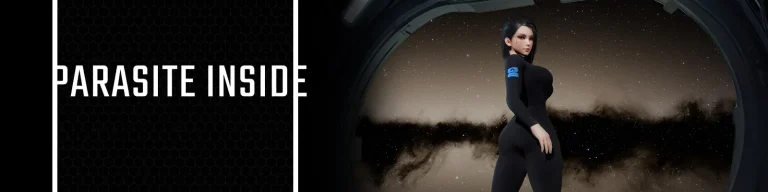
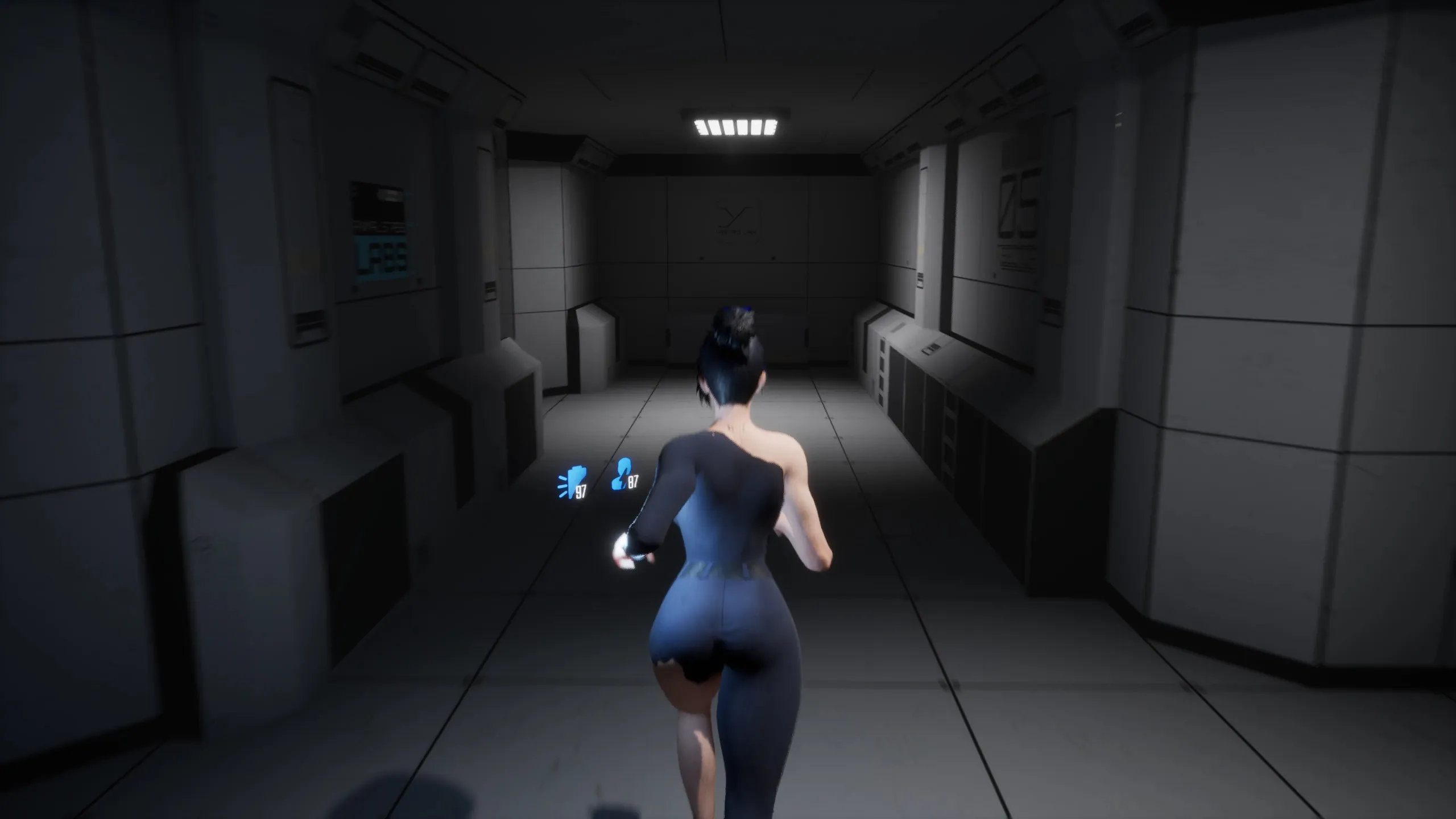
In this Sci-Fi Horror game, our protagonist, Oni Lim, awakens aboard a colonization spaceship. However, as she awake from her slumber, she quickly realizes that all other crew members remain in cryogenic stasis, and critical ship systems are malfunctioning. Determined to uncover the source of the problem, Oni embarks on a perilous journey through the labyrinthine corridors of the ship. What she discovers amidst the flickering lights and ominous shadows is nothing short of shocking.
Developer: Kodman
Censored: No
Version: 0.4.0
OS: Windows
Language: English
Genre: 3D Game, Puzzle, Horror, Sci-Fi, Female Protagonist, Monsters, Masturbation, Animated, Anal sex, Big tits, Big ass, Handjob, Blowjob, Vaginal sex, Squirting, Adventure, Action, Shooter, Breeding, Pregnancy, Shooter, Tentacles, Lesbian
For Windows & Mac – Extract and run.
v0.4.0 Brings-
- Crew Tier – Corridor environment meshes redesigned
- Crew Tier – Living quarters meshes redesigned
- Crew Tier – Cryosleep preparation room visually updated
- Crew Tier – Added a new laboratory storage room
- Crew Tier – Cafeteria redesigned
- Crew Tier – Captain’s quarters redesigned with new elements
- Crew Tier – Gym redesigned
- Crew Tier – Pre-Airlock room redesigned
- Crew Tier – Transition to Loading Docks redesigned
- Crew Tier – Crew stasis room redesigned
- Loading Docks – Transition to Crew Tier updated
- Loading Docks – Main corridor redesigned
- Loading Docks – Safe Room redesigned
- Loading Docks – Added new environment elements
- Loading Docks – Transition to Animal Stasis Labs redesigned
- Animal Stasis Labs – Multitool now found in the storage room where Oni wakes up
- Animal Stasis Labs – Ventilation shafts redesigned in transitions
- Animal Stasis Labs – Transition to Workshops S6 redesigned
- Workshops S6 – Main corridor redesigned (removed unnecessary doors)
- Workshops S6 – Large room with side ramp removed
- Workshops S6 – Added a new large storage area
- Workshops S7 – Transition to Workshops S8 redesigned
- Workshops S8 – Transition to Sector 9 redesigned (shortened)
- Workshops S8 – Second door transition to Sector 9 now blocked
- Workshops S9 – Transition to Sector 6 redesigned
- Workshops S9 – Corridor doors now functional; no need to detour through Warehouse LTW-S9-03
- Workshops S9 – Transition to Main Labs redesigned
- Main Labs S1 – Transition to Main Labs S2 redesigned
- Service Tier S1 – Transition to Service Tier S2 redesigned
- Service Tier S2 – Distribution room moved to the center of the location
- AstroLink S2 – Safe Room relocated to the start of the main corridor
- AstroLink S2 – Lotus awakening puzzle removed
- AstroLink S2 – Transition to Lotus area redesigned
- AstroLink S2 – Reactor lift speed puzzle redesigned
- AstroLink S2 – Respawn removed (no longer needed)
- COLOS-8 – Entire ship model recreated from scratch (more detailed + better optimized)
- COLOS-8 – New engine VFX
- TEP – Added initial location for The Evolution Path (two rooms)
- All locations – Cryopod meshes redesigned
- All locations – Furniture redesigned
- All locations – Modular beds redesigned
- All locations – Added new bathroom environment elements
- All locations – Added new ventilation shaft elements
- All locations – Added new biomass mesh types
- All locations – All doors redesigned and optimized
- All locations – Added moving body parts in infected zones
- [Enemies]
- Sporepop – Now deals one-time physical damage on explosion + applies infection
- Sporepop – Explosion now contaminates Oni’s body
- Spreader – Now deals one-time physical damage on explosion + applies infection
- Spreader – Explosion now contaminates Oni’s body
- Spreader – Movement speed reduced
- Spreader – Respawn chance reduced
- Burgeon – All animations reworked (+ added censored variants)
- Burgeon – Added censored body mesh variants
- Larva – Redesigned (two types)
- Spitter – New enemy added (mesh, mechanics, animations, sounds, VFX)
- Hanger – New enemy added (mesh, mechanics, combat system, animations, sounds, VFX)
- Lotus – Enemy reworked (mechanics, animations, sounds, VFX)
- Lotus – Body mesh redesigned (+ censored variant added)
- [Cutscenes]
- System – Cutscene loading system fully reworked; all assets load before playback starts
- System – Pause added during cutscenes
- System – Subtitles remain visible while paused
- System – Option to disable blur effect during cutscenes
- Comments – Some short cutscenes replaced with Oni’s gameplay comments to maintain flow
- Cutscenes – Lip-sync reworked for all dialogues
- Cutscenes – Almost all cutscenes restructured for better pacing and segmentation
- 18+ Cutscenes – All adult cutscenes now have SFW alternatives (unique animations + voice lines)
- Dialogues – All cutscene dialogues rewritten and polished
- SiXy – Added sfw body version
- [The Evolution Path (TEP)]
- Merger – System similar to save terminal/gallery (in progress)
- Merger – New mesh and animations
- Merger – Unique UI
- TEP – Unique interaction widget added
- TEP – New door type added
- TEP – Pregnancy system added
- TEP – Six new cutscenes added
- TEP – New status/concentration system (quest points, VFX, sound)
- [Systems]
- Censored Mode – Added option to start the game in censored mode
- Level streaming – Fully redesigned to avoid runtime stutters; loads during low-load moments
- Loadscreen – Custom loading screen system created (replacing Async Loadscreen plugin)
- QTE – Added UI-based struggle system
- Save System – Save slots now show extra info (game version, censored mode, TEP)
- [Character]
- Flashlight – C-Scanner flashlight reworked, now directional
- Moveset – New movement animations with flashlight
- New outfit – Stasis Suit added (two variants)
- New outfit – AstroSport Suit added (three variants)
- Body contamination – Added visual contamination from spores/fluids
- Infection – System reworked; proximity to spores increases infection faster
- Infection – Showers now remove only surface infection + clean contamination
- Infection – Stationary MedKits remove internal infection but not body contamination
- Mental Health – Respawning from infection now lowers Oni’s mental health
- Mental Health – At zero mental health, Oni wakes in a new area and TEP storyline begins
- Customization – Oni cannot use customization while contaminated
- Customization – New outfits found while contaminated go to wardrobe instead of auto-equip
- Animations – Infection animation replaced (4 new variants)
- [Light]
- All lights – Added unique color tones based on location atmosphere
- All lights – Volumetric scattering optimized
- All lights – Light materials rebuilt for accurate emission
- Lighting system – Switched from Lumen to baked lighting
- [Audio]
- TEP doors – Unique opening sound added
- Dialogues – All AI-generated lines replaced with real voice acting
- Ambience – New ambient sounds added
- Dialogues – Dialogue volume balance fixed
- [Video Gallery]
- Scene loading – New gallery system to avoid partial loading; cutscenes start only after full load
- Camera – Loopable scenes now have a free camera; normal cutscenes use fixed camera
- Lighting – Added flashlight to gallery camera
- UI – Updated interface for the new camera mode
- [Picture Gallery]
- Art – All AI images replaced with fully hand-drawn artwork
- Collections – Cards now separated into themed collections
- SFW – SFW variants added for censored mode
- Locations – Many card locations changed
- [Map System]
- New map – Added Service Tier Sector 1 map
- New map – Added Service Tier Sector 2 map
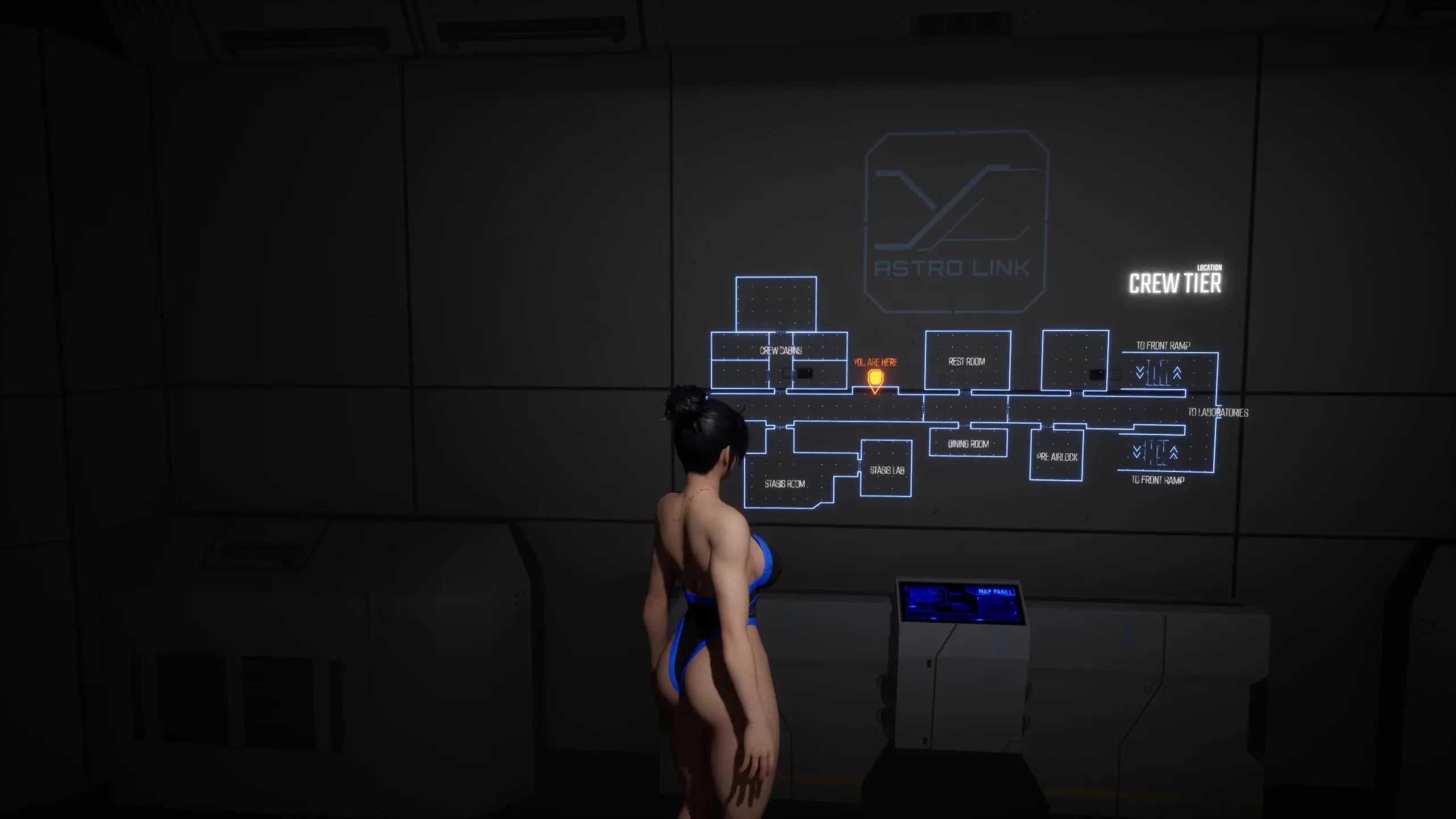
- Compact Map Station – New map stations added
- Player Marker – Player position now shown on the map (M)
- Animations – Added UI animations
- Maps – All maps updated to match redesigned locations
- Key elements – Added icons for showers, terminals, implant beds
- Emergency corridors – Now displayed on the map
- UI – Active map button now becomes inactive while the map is open
- [Shower System]
- Camera – Free camera added
- Lighting – Added flashlight to camera
- UI – Interface updated
- Animations – Improved old animations and added new ones
- Infection level – Different animation sets depending on infection level
- Censored – Censored shower variant added
- [Optimization]
- Decals – Reduced number of decal instances
- Decals – Reduced decal texture sizes/resolution
- Shaders – Shader count reduced by nearly 50%
- VFX – All particle systems optimized
- [Other]
- Crosshair – More visible and sharper
- Glass materials – Improved glass shader
- Bugs – Numerous bug fixes (not listed individually)
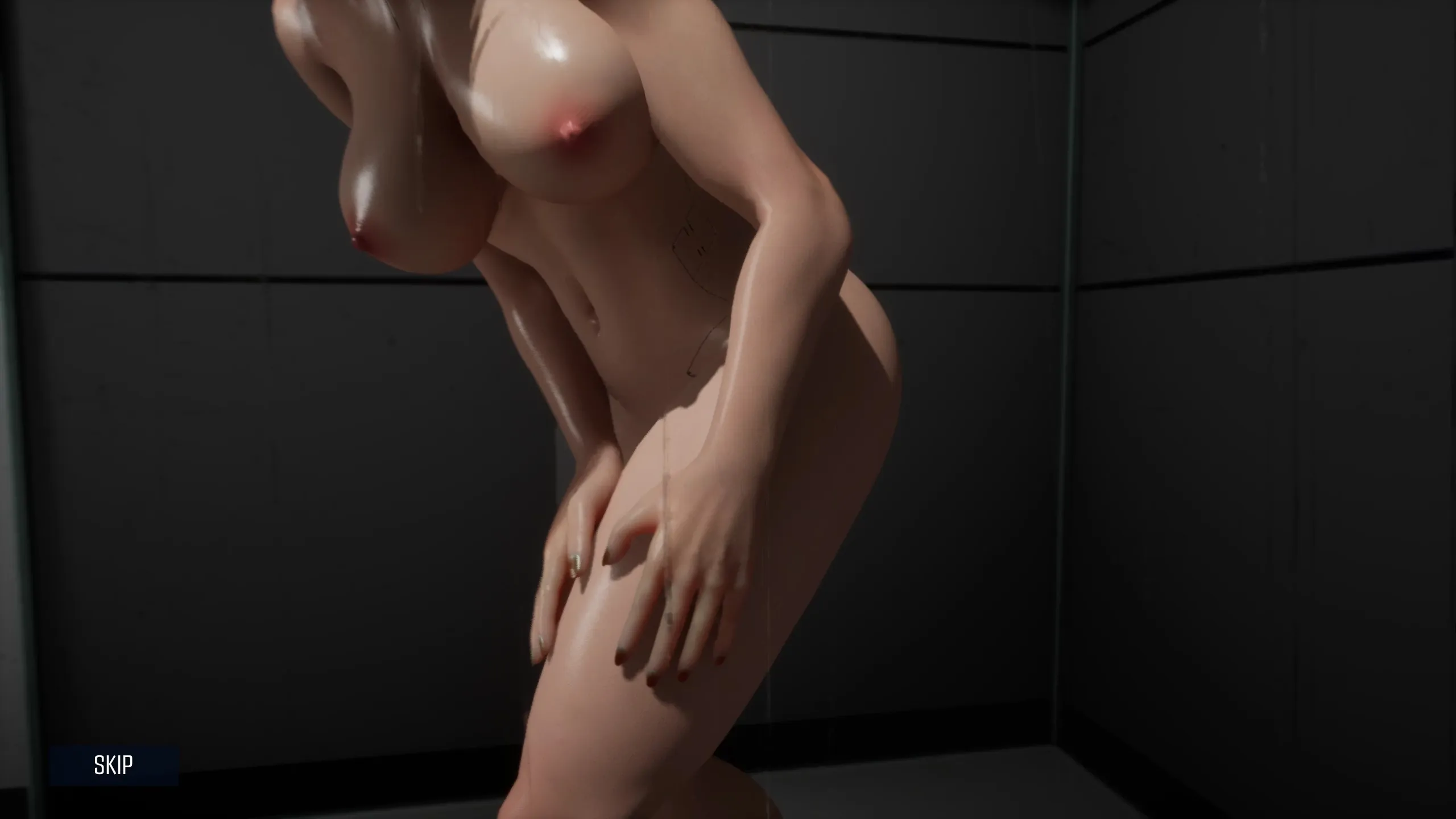
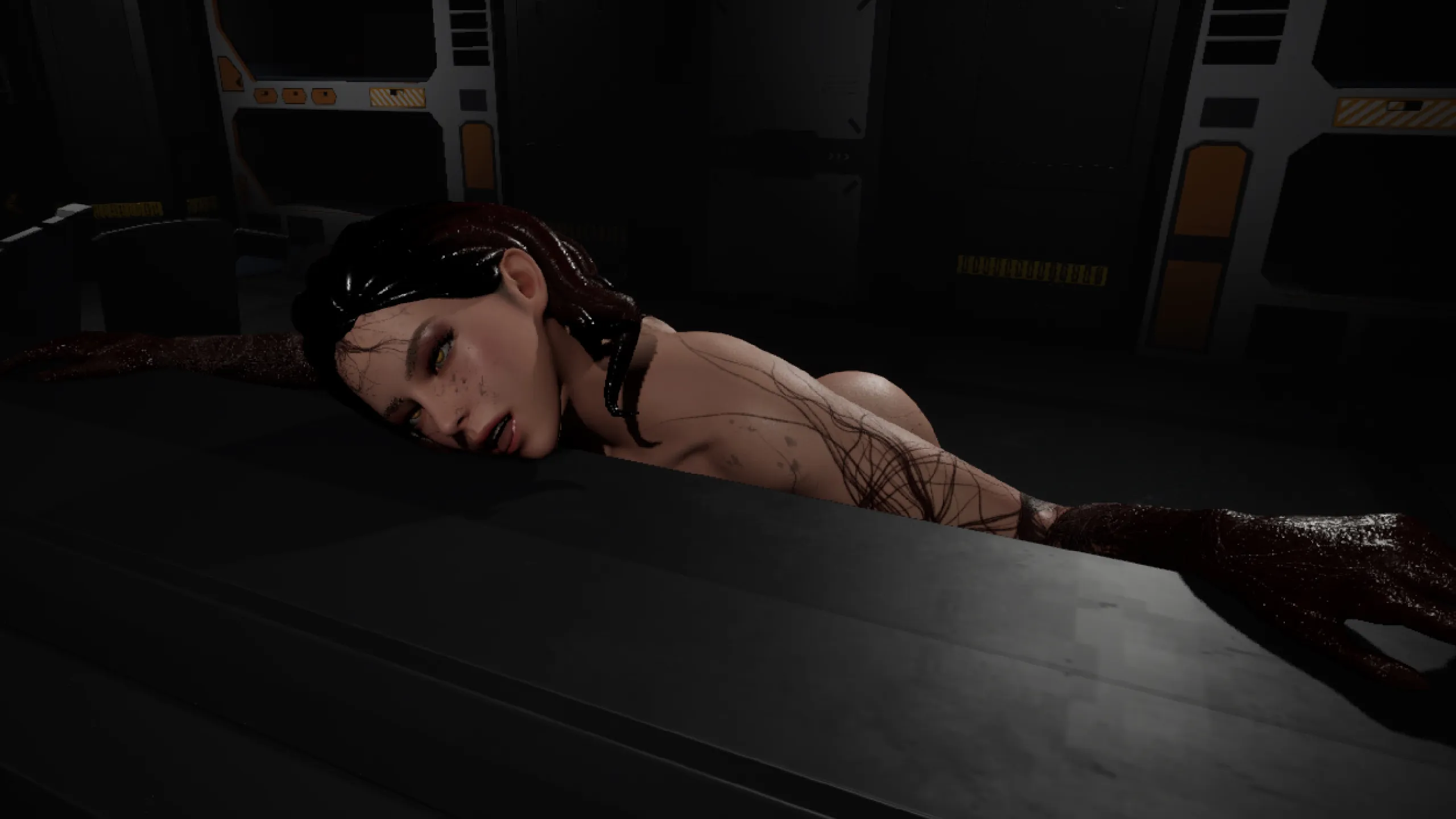
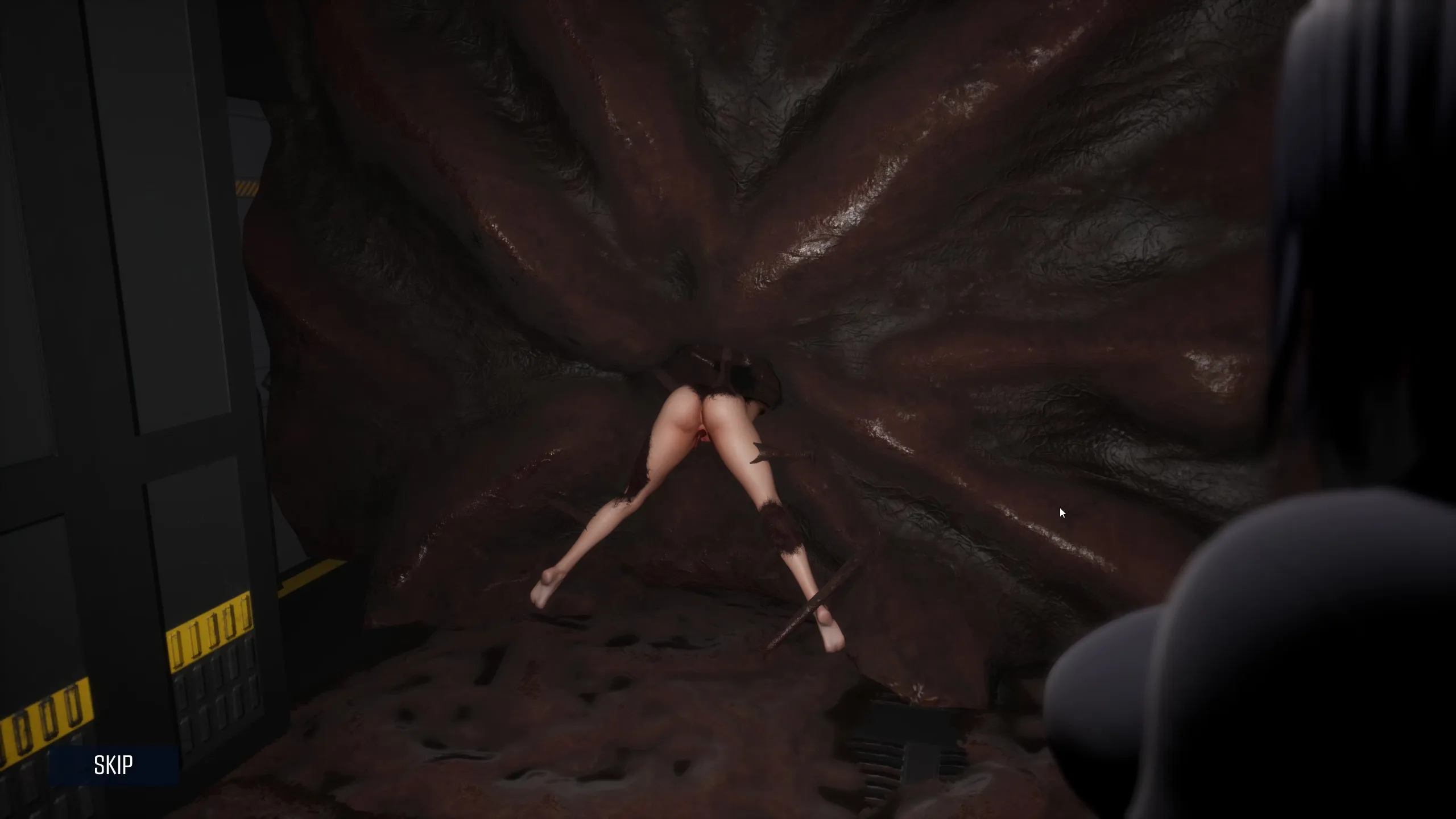
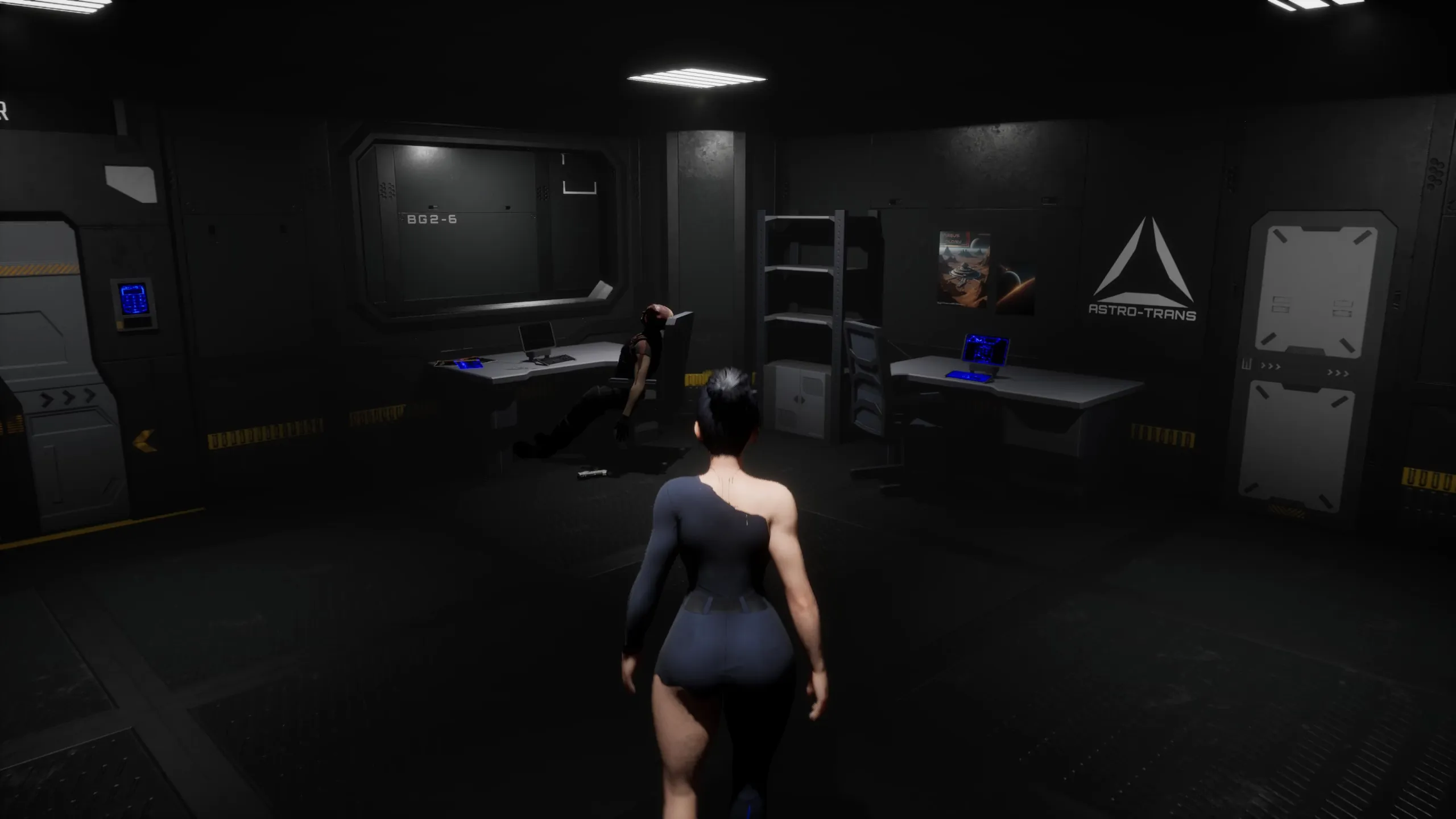
In-game Image gallery
Download Links
Download for Windows/ Linux
The fastest and Simplest way to get new links or links fixed is by- Reaching us out at
DISCORD Join Link – adultgamers/discord/server
Please join as this helps us to keep the website fully functional, promising that every Link works.
Benefits—–
- Help for Games
- Help in any kind of downloading issue
- 4000+ members Community to chat/Help
- Game Requests and more…..
- Instant new game Release/update notifications
WE WELCOME YOU FELLOW CULTURED MAN 💓💓
- Swipe down to hide the ui
- Swipe Up to Unhide The Ui
- Swipe left to roll back
- Swipe right to start skipping of text
- swipe 2x(2Fingers) left&right to open the game menu
- swipe up&down to toggle a small window with memory usage information
- longpress the save file thumbnail in the save/load screen to delete this slot
Walk-Through Features:
For PC: Unzip the MOD and put the folder named “game” from the mod in your “xxxxxxx-0.1-pc” folder.
For MAC: Unzip the mod -> Right-click your “XXXXXX” app -> Click “Show Package Contents” -> Open the “Contents” then “Resources” folders -> Hold the Option key and drag the folder named “game” from the mod to the “autorun” folder -> Click merge.
Installation:
Extract file from file to the \game folder and overwrite when prompted.
For Gallery unlocker Mod:
Extract and Copy to game folder->renpy folder
For Android:
Unzip the mod and paste it into the –
Filemanager/Android/data/fetish.locator(this can also be com.fetish.locator)/files
Inside file, create the folder (game) if there’s no such folder in files.
In new android software version many mobile phones doesn’t shows the data of the game. Download any 3rd party file manager file X-Plore, from Play-store and u’ll be able to access the data folder
- This mod adds an in-game walkthrough for every character and event in the game. The walkthrough menu contains dynamic guides that let you track your progress for each character and see the requirements needed to trigger their scenes and advance their story.(Some MOD may not have all this)
- A cheat menu has also been added which has cheats that allow you to disable mini-games, such as increase money, (if there’s a money feature in game like money + 999999 ) unlock all secret cards, and unlock all of the scenes in the scene gallery (Some MOD may not have all this)
- I’ve also made a few other improvements to the game that can be changed in the mod settings menu, such as adding the option to skip the game startup splash screens. ((Some MOD may not have all this))
Installation: Let’s take example of game fetish locator
For Windows:
Unzip the mod and put the folder named “game” from the mod into your “Fetish-locator-2.0.21-pc” folder.
For Mac:
Unzip the mod -> Right click your Fetish-locator app -> Click “Show Package Contents” -> Put the files inside the folder named “game” from the mod into your “Contents/Resources/autorun/game” folder.
For Android:
Unzip the mod and paste it into the –
Filemanager/Android/data/fetish.locator(this can also be com.fetish.locator)/files
Inside file, create the folder (game) if there’s no such folder in files.
In new android software version many mobile phones doesn’t shows the data of the game. Download any 3rd party file manager file X-Plore, from Play-store and u’ll be able to access the data folder
To open the mod menu, click the help icon near the top left of the screen when you’re in-game
Author's Rating
- Story Line - 75%75%
- Graphics - 87%87%
- Renders - 82%82%
- Engagement - 68%68%
Summary
This review is based on Editor’s perspective and actual experience may differ on the individual own preferences.