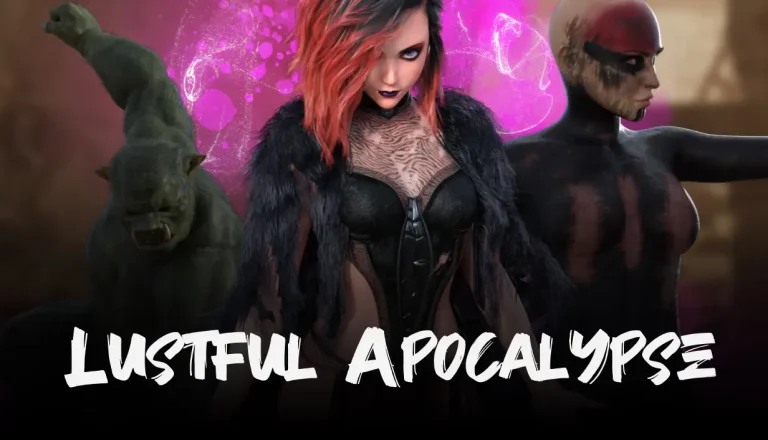
Welcome to Lustful Apocalypse.
You play as Wyn, a demonic sorceress who has been asleep for a thousand years.
She awakens in a post-apocalyptic world, only to find that her power has been stolen and scattered into crystals.
Endure and reclaim your strength by hunting monsters and collecting demon crystals.
Developer: Demon Alter Studios
Censored: No
Version: 0.8.2.1
OS: Windows, Linux
Language: English
Genre: 2D GAME, 3DCG, Adventure, Animated, Female protagonist, Pregnancy, Monster, Monster girl, Rape, Rpg, Point & Click, Vaginal sex, Sandbox, Oral Sex
For Windows & Mac – Extract and run.
v0.8.2.1 Brings-
Notes
- Some animations in all scenes are hit and miss, apologies!
- This build may contain significant bugs, apologies again.
Engine & Performance
- Upgraded to Godot 4.6 and optimised codebase for the new version.
- Reduced per-frame HUD updates in main.gd using cached UI values.
- Optimised enemy behaviour in 3d_expore_enemy.gd with throttled target scans, reduced animation calls, and cleaned debug output.
- Improved compass quest tracking in compass.gd with safer checks and throttled updates.
Quest System
- Hardened quest handling in QuestManager.gd with safer objective normalization, progress clamping, and new helpers (is_quest_active, is_quest_completed).
- Fixed quest progression bug in 3d_explore_npc.gd so objectives only update for valid active quests.
- Simplified and stabilised quest UI refresh in quests.gd.
Gameplay & Systems
- Fixed player stat bug in 3d_player.gd (corrected speed assignment and inventory stat refresh).
- Removed Patreon object locks from multiple gameplay scripts.
- Added global unlock fallback and safer quest data loading in Global.gd.
- Prevented unlock resets on Patreon cancellation in Menu.gd.
Visuals
- Updated global lighting across all scenes.
Menu
- Redesigned with a split full-width layout (branding left, actions right).
- Buttons resized and spacing improved for better screen fit.
- All menu actions reconnected safely at runtime.
- Existing flows preserved (start, load, options, collections, account, logout, Patreon login).
- Added intro motion/fade animation.
Collections
- New two-pane layout with preview and archive grid.
- Auto-selects first item on open.
- Added live progress stats and viewing position indicators.
- Previous/Next navigation buttons and keyboard controls (Left/Right, Esc).
- Fade animation on preview change.
- Navigation buttons auto-disable when unavailable.
Consent Screen
- Rebuilt into a clearer card-based consent UI.
- Mandatory 18+ checkbox to enable Continue.
- Warning text shown until confirmed.
- Sound toggle now reflects actual master mute state.
- Added Exit button.
- Keyboard shortcuts: Enter = Continue, Esc = Exit.
- Added subtle intro animation.
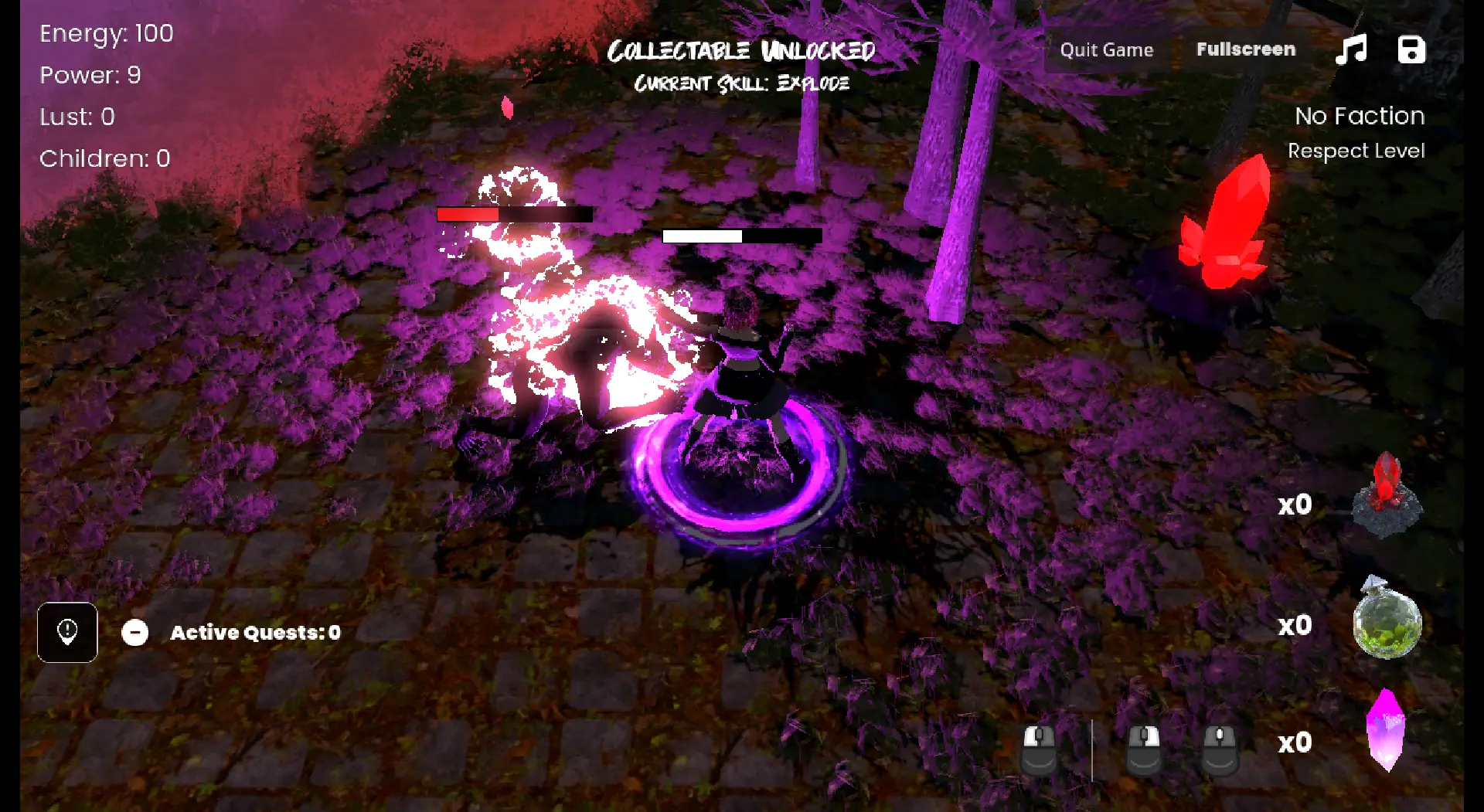
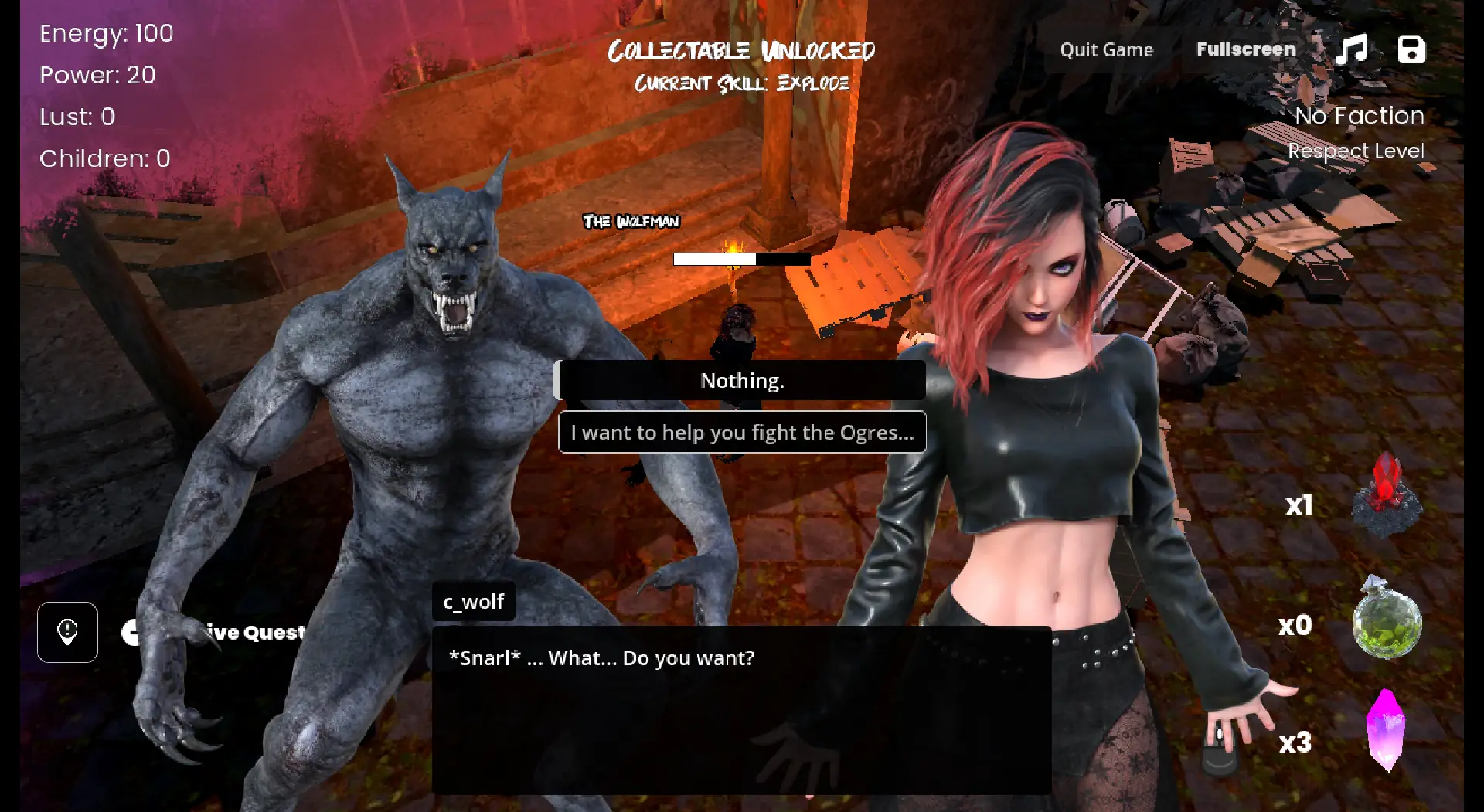
In-game Image gallery
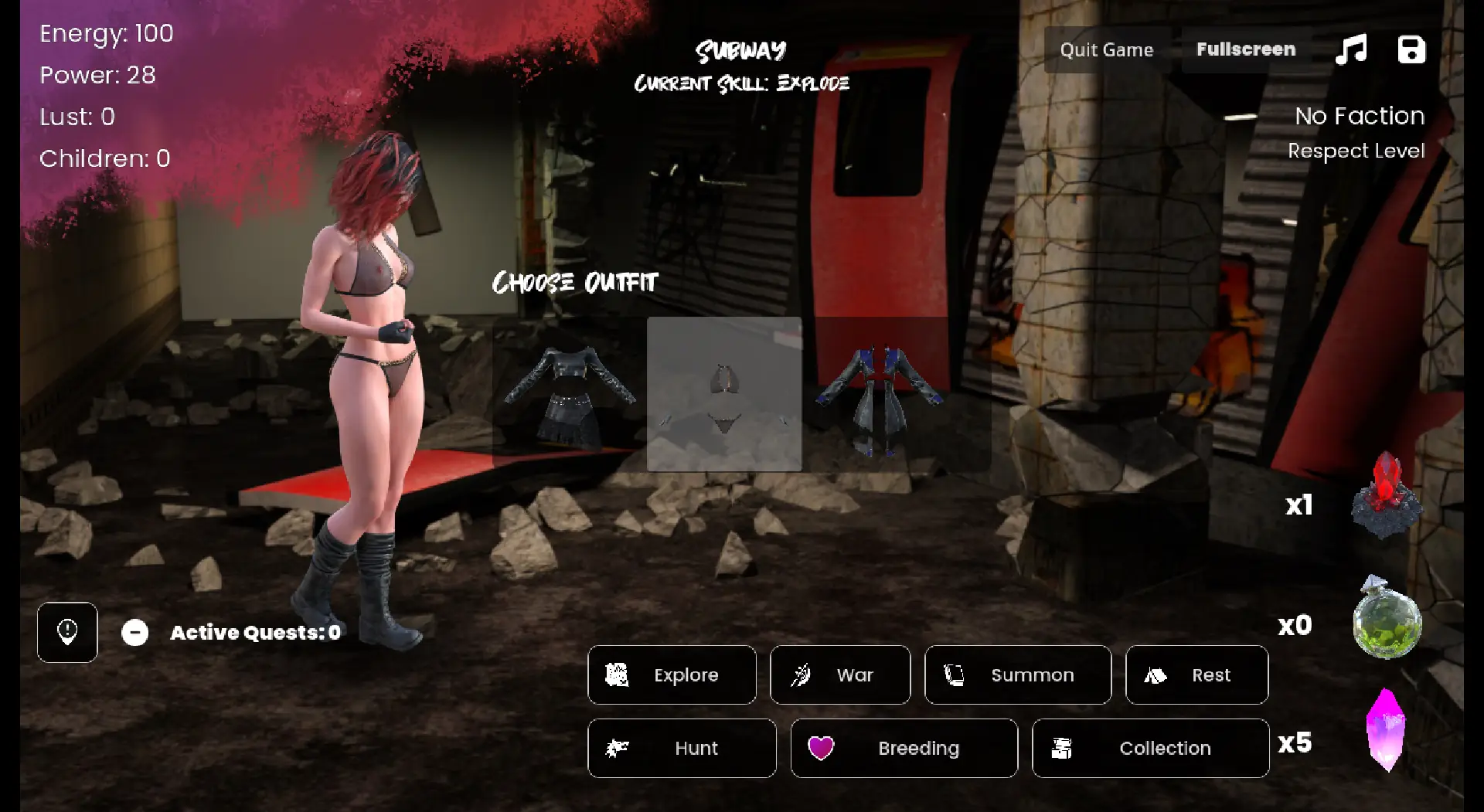
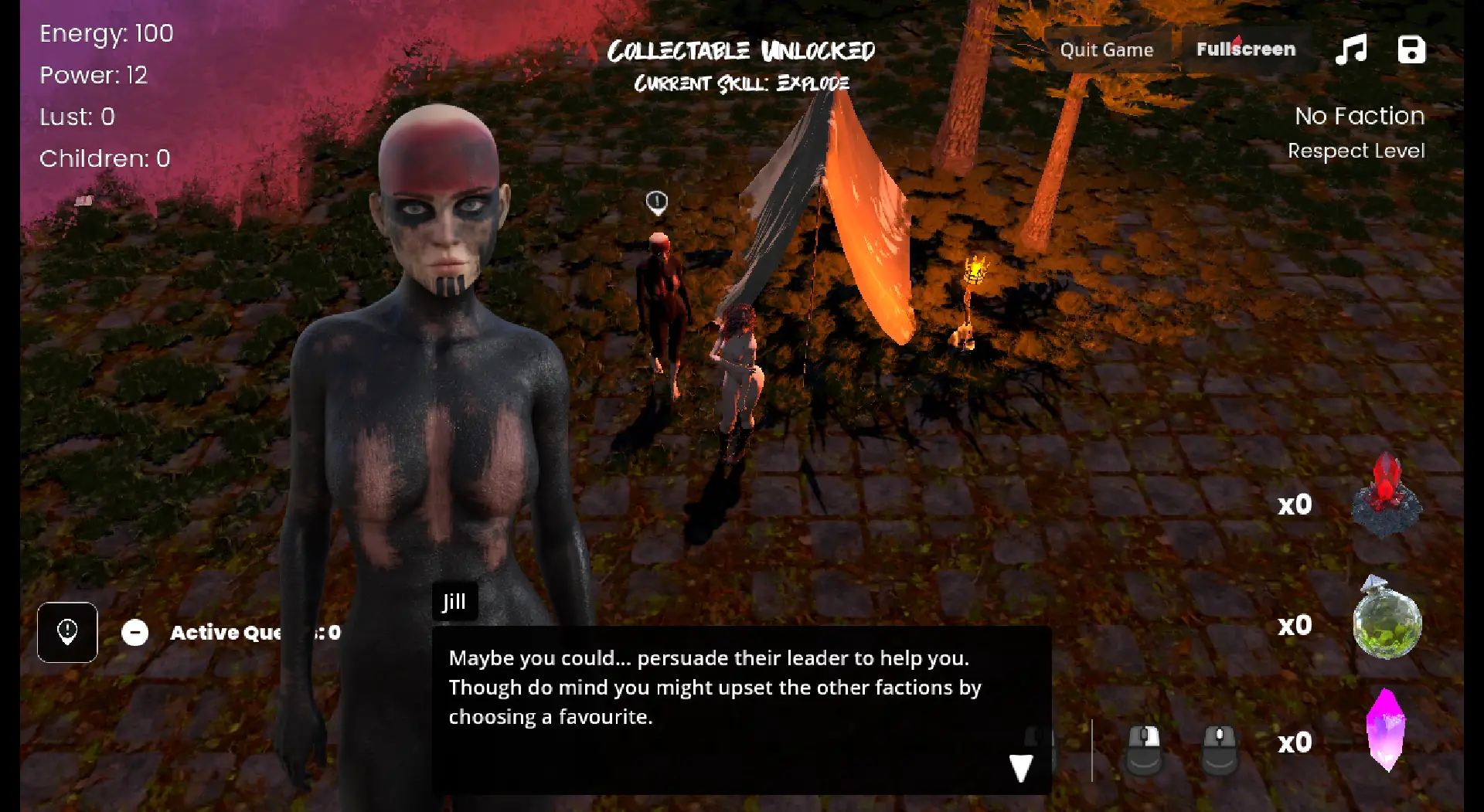
Download Links
Download for Windows/ Linux
1. Download the Base Game
2. Install Demon Patcher and open your base game dir with it
3. Update the game to the latest version
4. Open the game dir and launch the game
Download for Windows/ Linux- Demon Patcher 0.1.7
Download for Windows/ Linux- Manual Patches
Download for Windows/ Linux- Pocket Apocalypse 0.0.9.5
Download for Android- Pocket Apocalypse 0.0.9.5
The fastest and Simplest way to get new links or links fixed is by- Reaching us out at
DISCORD Join Link – adultgamers/discord/server
Please join as this helps us to keep the website fully functional, promising that every Link works.
Benefits—–
- Help for Games
- Help in any kind of downloading issue
- 4000+ members Community to chat/Help
- Game Requests and more…..
- Instant new game Release/update notifications
WE WELCOME YOU FELLOW CULTURED MAN 💓💓

- Swipe down to hide the ui
- Swipe Up to Unhide The Ui
- Swipe left to roll back
- Swipe right to start skipping of text
- swipe 2x(2Fingers) left&right to open the game menu
- swipe up&down to toggle a small window with memory usage information
- longpress the save file thumbnail in the save/load screen to delete this slot
Walk-Through Features:
For PC: Unzip the MOD and put the folder named “game” from the mod in your “xxxxxxx-0.1-pc” folder.
For MAC: Unzip the mod -> Right-click your “XXXXXX” app -> Click “Show Package Contents” -> Open the “Contents” then “Resources” folders -> Hold the Option key and drag the folder named “game” from the mod to the “autorun” folder -> Click merge.
Installation:
Extract file from file to the \game folder and overwrite when prompted.
For Gallery unlocker Mod:
Extract and Copy to game folder->renpy folder
For Android:
Unzip the mod and paste it into the –
Filemanager/Android/data/fetish.locator(this can also be com.fetish.locator)/files
Inside file, create the folder (game) if there’s no such folder in files.
In new android software version many mobile phones doesn’t shows the data of the game. Download any 3rd party file manager file X-Plore, from Play-store and u’ll be able to access the data folder
- This mod adds an in-game walkthrough for every character and event in the game. The walkthrough menu contains dynamic guides that let you track your progress for each character and see the requirements needed to trigger their scenes and advance their story.(Some MOD may not have all this)
- A cheat menu has also been added which has cheats that allow you to disable mini-games, such as increase money, (if there’s a money feature in game like money + 999999 ) unlock all secret cards, and unlock all of the scenes in the scene gallery (Some MOD may not have all this)
- I’ve also made a few other improvements to the game that can be changed in the mod settings menu, such as adding the option to skip the game startup splash screens. ((Some MOD may not have all this))
Installation: Let’s take example of game fetish locator
For Windows:
Unzip the mod and put the folder named “game” from the mod into your “Fetish-locator-2.0.21-pc” folder.
For Mac:
Unzip the mod -> Right click your Fetish-locator app -> Click “Show Package Contents” -> Put the files inside the folder named “game” from the mod into your “Contents/Resources/autorun/game” folder.
For Android:
Unzip the mod and paste it into the –
Filemanager/Android/data/fetish.locator(this can also be com.fetish.locator)/files
Inside file, create the folder (game) if there’s no such folder in files.
In new android software version many mobile phones doesn’t shows the data of the game. Download any 3rd party file manager file X-Plore, from Play-store and u’ll be able to access the data folder
To open the mod menu, click the help icon near the top left of the screen when you’re in-game
Author's Rating
- Story Line - 75%75%
- Graphics - 87%87%
- Renders - 75%75%
- Engagement - 81%81%
Summary
This review is based on Editor’s perspective and actual experience may differ on the individual own preferences.