
She doesn’t know who she is. Just her name. Luna.
She doesn’t know how she ended up in the cursed lands, an area any sane person avoids.
The Hellions, a tribe of warrior women, found her in the ruins, unconscious but unharmed.
They rescued her, welcomed her into their home…and now they need her help.
Surrounded by enemies, disliked by their neighboring nobles, and targeted by their own king.
The Hellions are going to need a miracle if they want to survive these times of turmoil.
Or maybe they need the help of one woman.
A sequel to Diatima’s Isekai.
Developer: Frozen Synapse
Censored: No
Version: Chapter 2 – 0.34
OS: Windows, Linux, Mac, Android
Language: English
Other Games:
–
Genre: 3DCG, Fantasy, Female protagonist, Mobile game
For Windows & Mac – Extract and run.
v0.34 Brings-
If in the past update (0.32), you chose to “Wait and set ambushes,” the game will later tell you : NOT IMPLEMENTED YET!. Don’t worry and continue. That route is available now. (I am going to remove that warning in the next update)
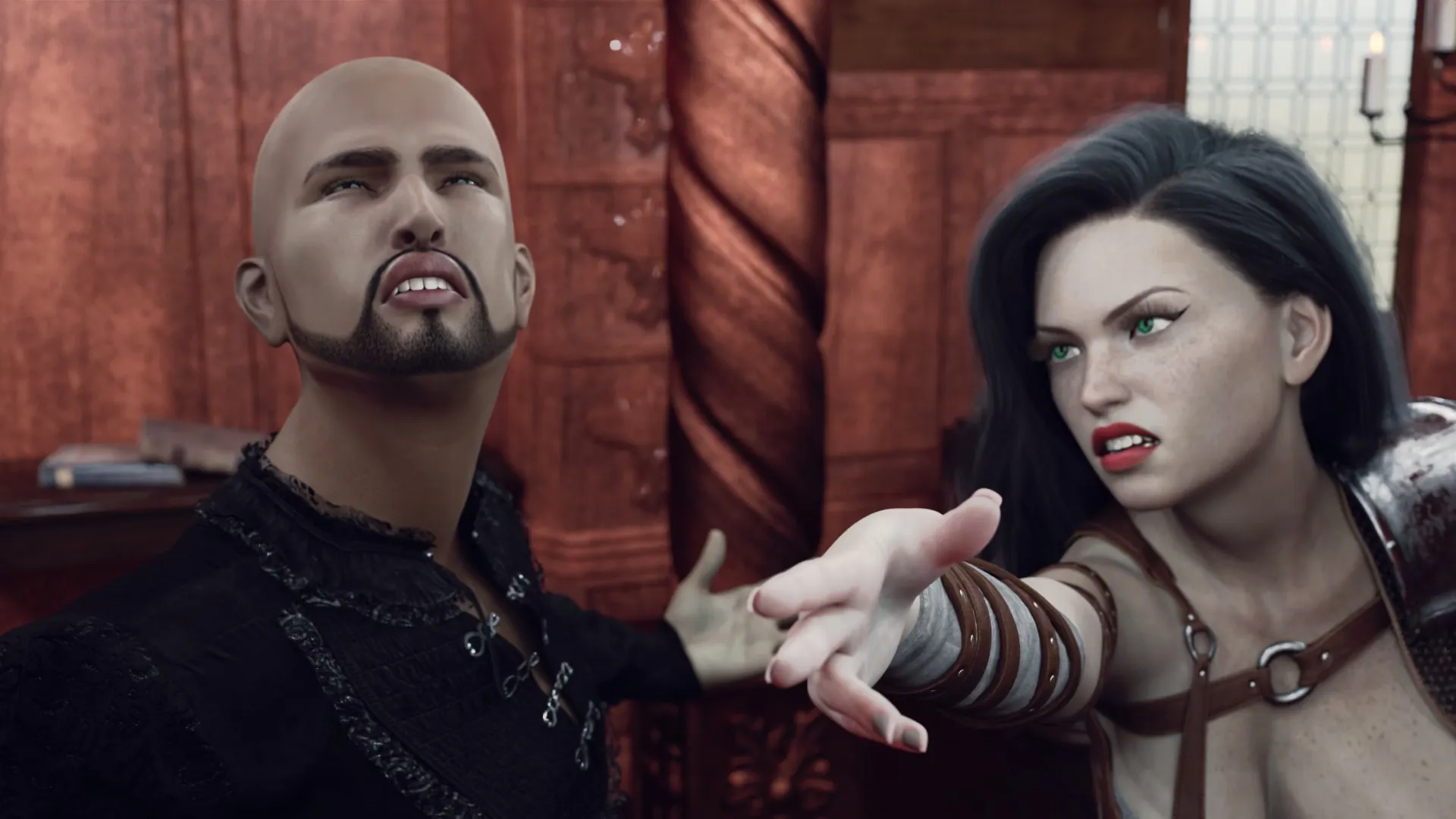
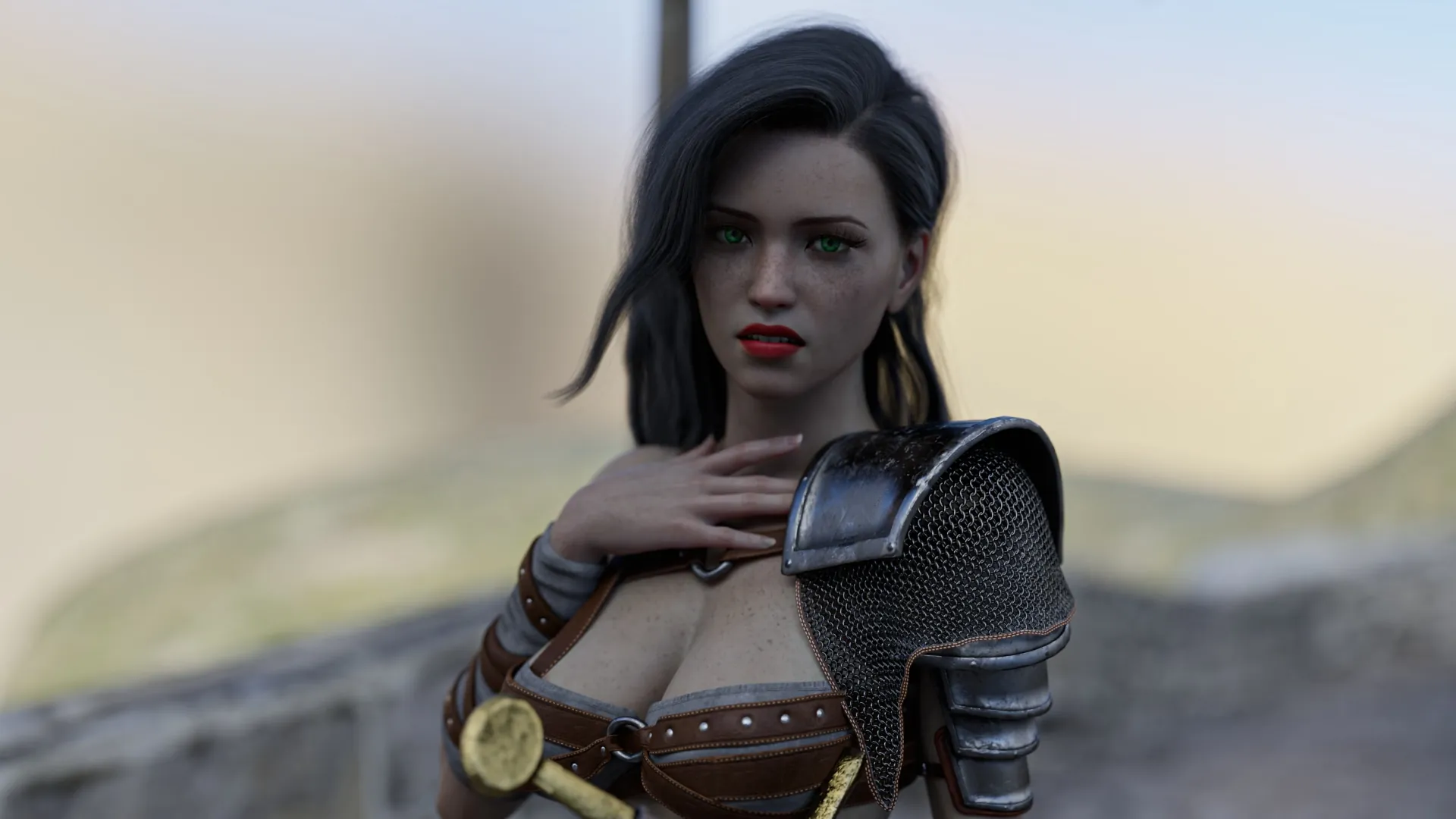
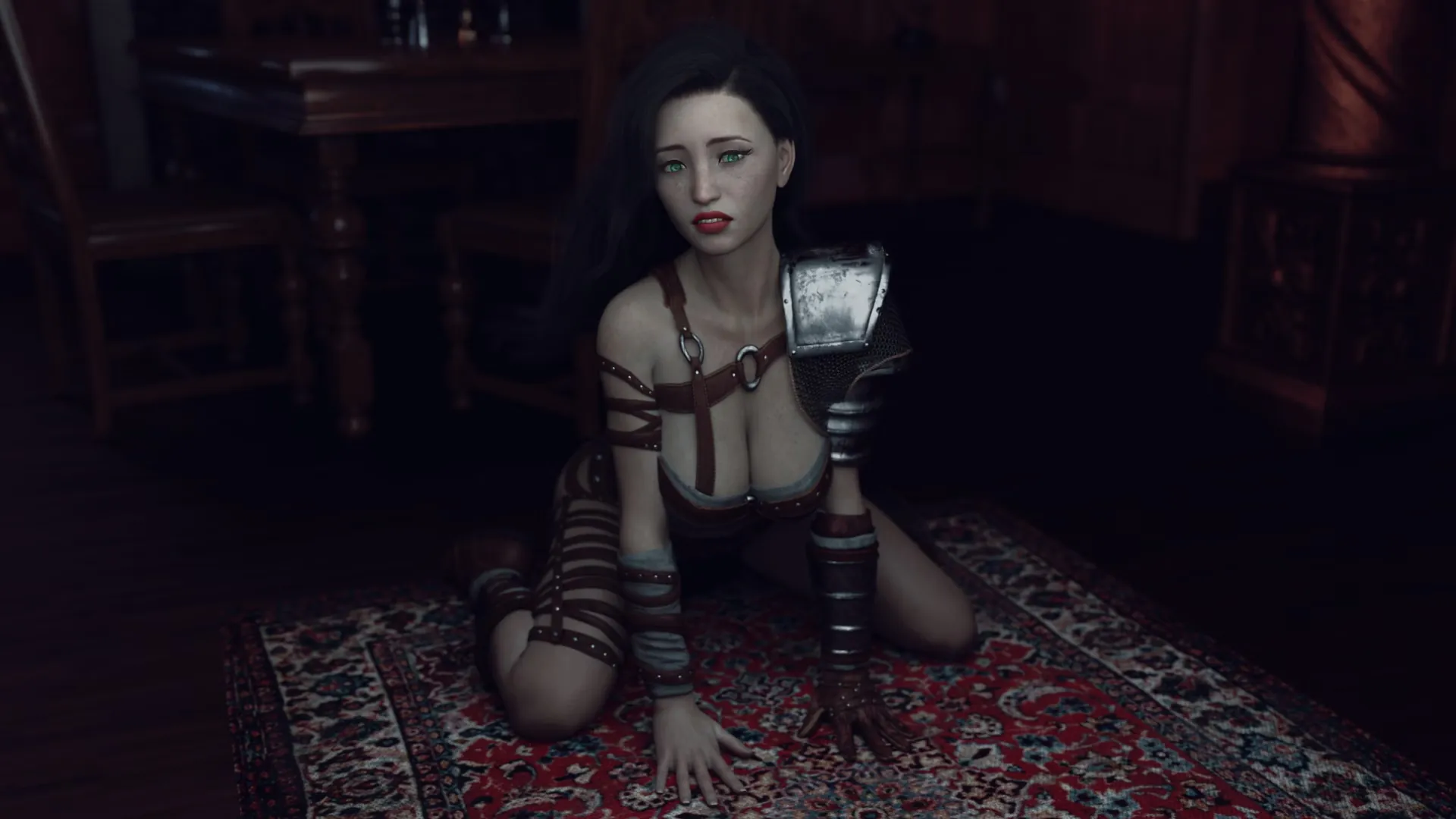
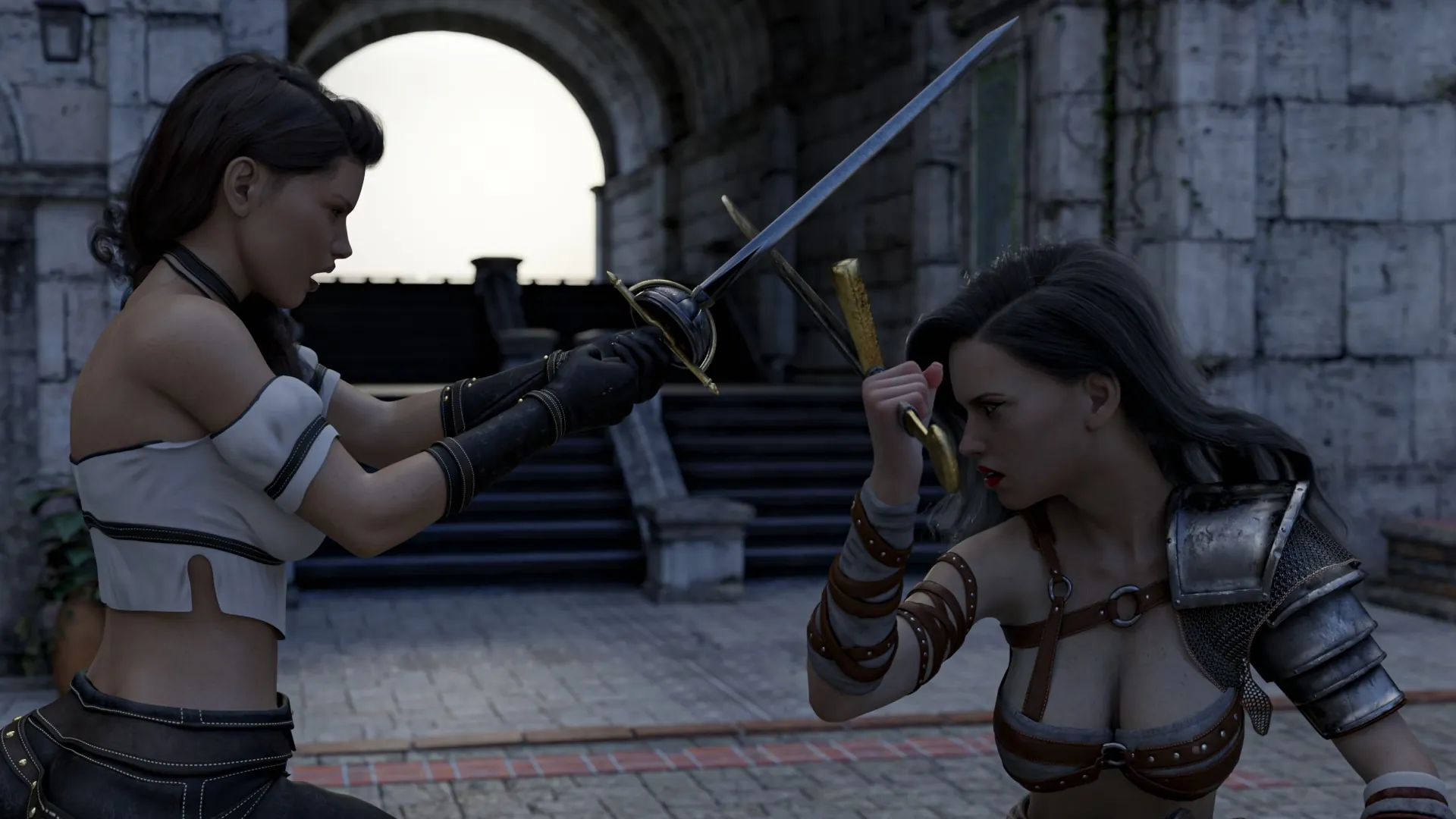
In-game Image gallery
Download Links
Android Download
Download for Windows/ Linux
Mac Download
The fastest and Simplest way to get new links or links fixed is by- Reaching us out at
DISCORD Join Link – adultgamers/discord/server
Please join as this helps us to keep the website fully functional, promising that every Link works.
Benefits—–
- Help for Games
- Help in any kind of downloading issue
- 4000+ members Community to chat/Help
- Game Requests and more…..
- Instant new game Release/update notifications
WE WELCOME YOU FELLOW CULTURED MAN 💓💓
- Swipe down to hide the ui
- Swipe Up to Unhide The Ui
- Swipe left to roll back
- Swipe right to start skipping of text
- swipe 2x(2Fingers) left&right to open the game menu
- swipe up&down to toggle a small window with memory usage information
- longpress the save file thumbnail in the save/load screen to delete this slot
Developer
Walk-Through Features:
For PC: Unzip the MOD and put the folder named “game” from the mod in your “xxxxxxx-0.1-pc” folder.
For MAC: Unzip the mod -> Right-click your “XXXXXX” app -> Click “Show Package Contents” -> Open the “Contents” then “Resources” folders -> Hold the Option key and drag the folder named “game” from the mod to the “autorun” folder -> Click merge.
Installation:
Extract file from file to the \game folder and overwrite when prompted.
For Gallery unlocker Mod:
Extract and Copy to game folder->renpy folder
For Android:
Unzip the mod and paste it into the –
Filemanager/Android/data/fetish.locator(this can also be com.fetish.locator)/files
Inside file, create the folder (game) if there’s no such folder in files.
In new android software version many mobile phones doesn’t shows the data of the game. Download any 3rd party file manager file X-Plore, from Play-store and u’ll be able to access the data folder
- This mod adds an in-game walkthrough for every character and event in the game. The walkthrough menu contains dynamic guides that let you track your progress for each character and see the requirements needed to trigger their scenes and advance their story.(Some MOD may not have all this)
- A cheat menu has also been added which has cheats that allow you to disable mini-games, such as increase money, (if there’s a money feature in game like money + 999999 ) unlock all secret cards, and unlock all of the scenes in the scene gallery (Some MOD may not have all this)
- I’ve also made a few other improvements to the game that can be changed in the mod settings menu, such as adding the option to skip the game startup splash screens. ((Some MOD may not have all this))
Installation: Let’s take example of game fetish locator
For Windows:
Unzip the mod and put the folder named “game” from the mod into your “Fetish-locator-2.0.21-pc” folder.
For Mac:
Unzip the mod -> Right click your Fetish-locator app -> Click “Show Package Contents” -> Put the files inside the folder named “game” from the mod into your “Contents/Resources/autorun/game” folder.
For Android:
Unzip the mod and paste it into the –
Filemanager/Android/data/fetish.locator(this can also be com.fetish.locator)/files
Inside file, create the folder (game) if there’s no such folder in files.
In new android software version many mobile phones doesn’t shows the data of the game. Download any 3rd party file manager file X-Plore, from Play-store and u’ll be able to access the data folder
To open the mod menu, click the help icon near the top left of the screen when you’re in-game
Author's Rating
- Story Line - 75%75%
- Graphics - 87%87%
- Renders - 75%75%
- Engagement - 73%73%
Summary
This review is based on Editor’s perspective and actual experience may differ on the individual own preferences.