
Download Adult game Living with Tsunade New Version
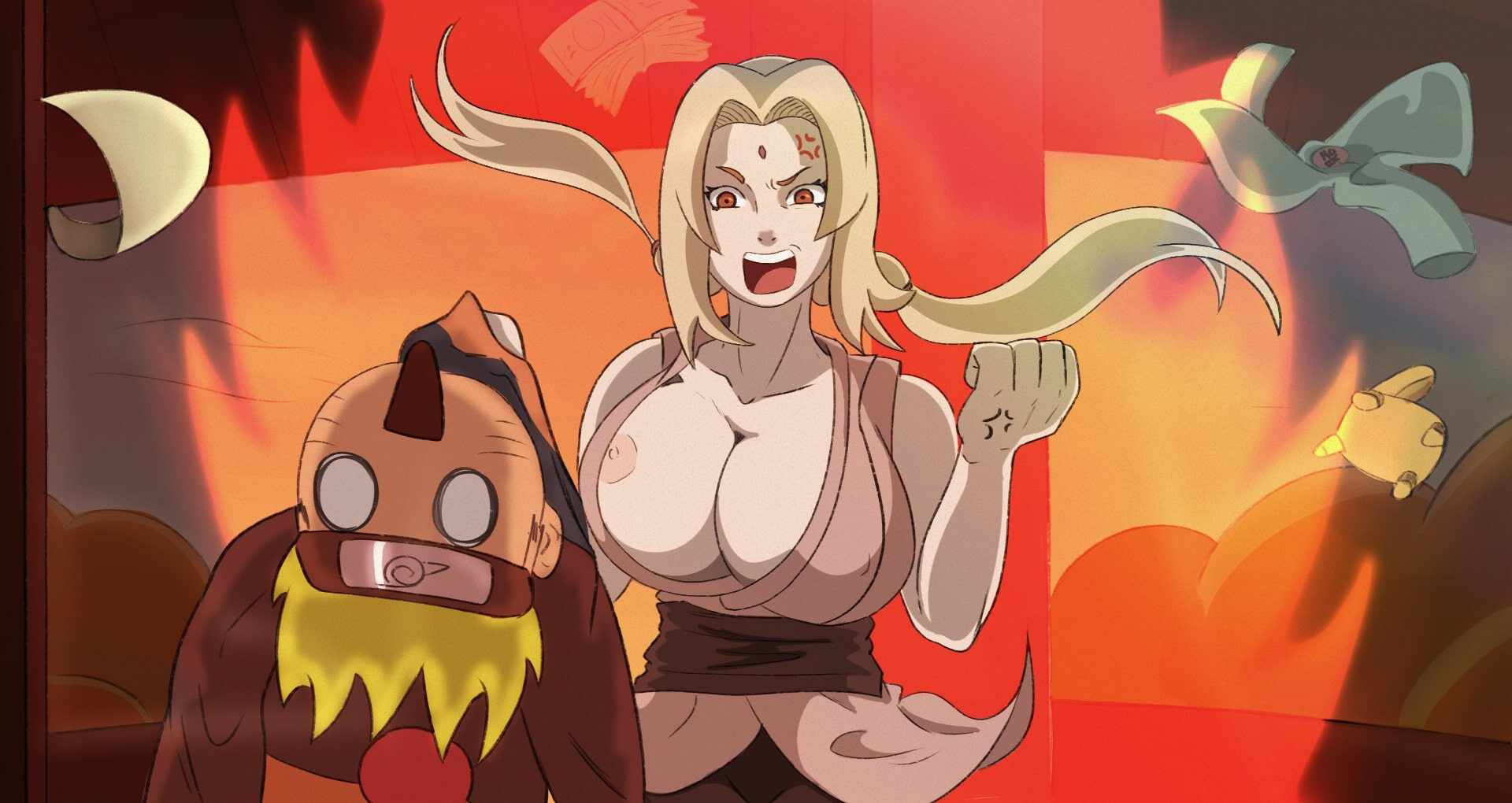
Adult game Living with Tsunade Info: In this Adult game Developer of the game says – In a ninja world full of challenges and surprises, you assume the role of Naruto Uzumaki, who finds himself in unexpected financial straits.
Evicted from his apartment due to rent debts, he seeks Tsunade’s help, only to discover that she will not be able to help him because she has spent her money at the casino.
Forced to live under the same roof, Naruto and Tsunade embark on a unique adventure full of comical situations and… this whole stupid story is just an excuse.
Download Adult game Living with Tsunade
Developer: Bitawastaken
Censored: No
Version: 0.45
Language: English
For Windows & Mac – Extract and run.
v0.45 Brings-
“Damsel in Debt” (Tsunade), significantly progresses the main story of the game, necessarily including Naruto’s relation with Tsunade.
This quest is unlocked upon completing the previous main storyline quest, “Emergency Call”.
Introduces 2 new minigames and several new maps.
“Ino the Medic” (Ino, Sakura), progresses Naruto’s relations with Ino and Sakura.
This quest is unlocked upon completing the most recent Ino quest, “A Close Call”.
Introduces 1 new minigame and several new maps.
For this update, I wanted to try something different with the scenes. I experimented with several new animation techniques and presentation styles, and I’m very happy with the results. I hope you enjoy them as much as I enjoyed creating them.
Some of the less important illustrations included in this update are still unfinished. We will continue updating and polishing them over time, as it would have been impossible to complete everything and release the update on schedule otherwise.
This update includes a total of:
84 new illustrations for the new events
6 new animations (15 frames, 7 frames, 5 frames, 5 frames, 12 frames and 10 frames, a total of 54 draws for all the animations)
4 new maps
1 new enemy
3 new mini-games
From version 0.44 to 0.45, there are a TON of new changes to improve player experience, including, but not limited to:
- Introduction of the Computer Mode, a central hub for cheats, gallery, tutorial, and more. This can be accessed inside of Naruto’s room.
- Introduction of the Visual Novel dialogue system, beginning with Naruto and Tsunade’s dialogue. Pending player feedback, we may fully transition to this style of dialogue for the whole game and create character sprites for everyone.
- Every animation in the game has been updated to play smoother, and most of them also now have sound!
- Text size in the game has been increased, especially for android players. We haven’t come across a perfect, universal solution yet, but we are constantly evolving the game UI.
- Other various improvements to the UI, including android touch-based buttons for hiding images and opening/closing the menu.
- A new savefile migration system, which should enable players to safely re-use previous version save files in future deployments. Manually managing event unlocks has been tricky to program, but we are confident in this solution going forward.
A message to android players regarding poor performance
We understand that the game tends to run in low FPS on certain android devices, particularly those with lower-end GPUs (e.g. Xiaomi/Redmi devices, especially older ones). For many of you affected, it can be frustrating to play the game in certain areas, especially in battles, where the graphics processing dramatically increases.
In the game’s previous iterations with RPG Maker MV (before version 0.43/0.44), this was less of an issue due to engine architectural compatibility with the aforementioned android devices. Unfortunately, in addition to our current RPG Maker MZ engine being less android-friendly, the current APK build process involves the introduction of at least one additional game wrapper that further complicates the problem.
We have been rigorously investigating this issue since the beginning of the year, and continue to test various solutions with limited success. In the meantime, we have introduced a few temporary workarounds for affected players, such as the ability to skip battles (can be toggled in options). Thank you for your patience while we work on this.
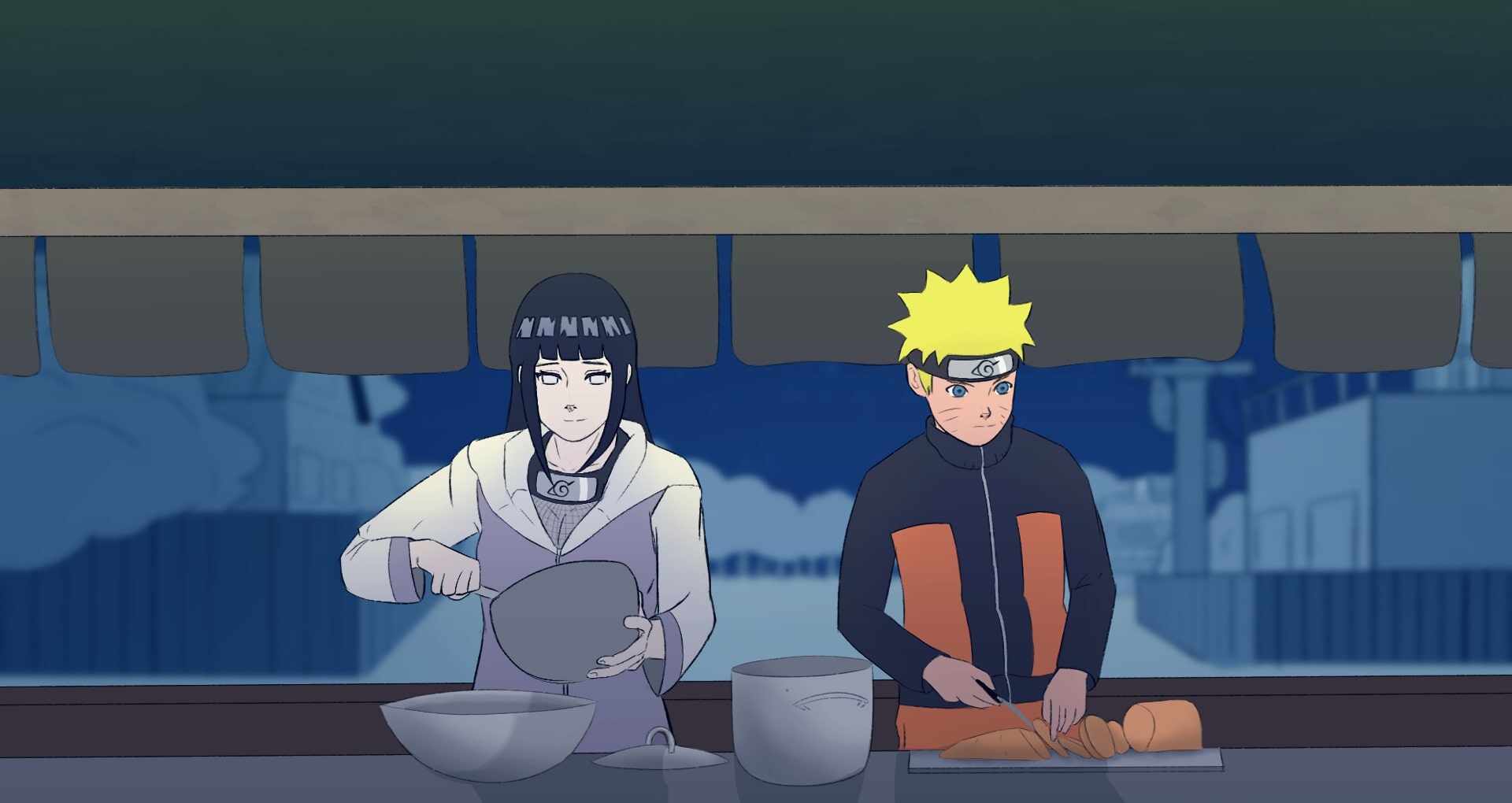
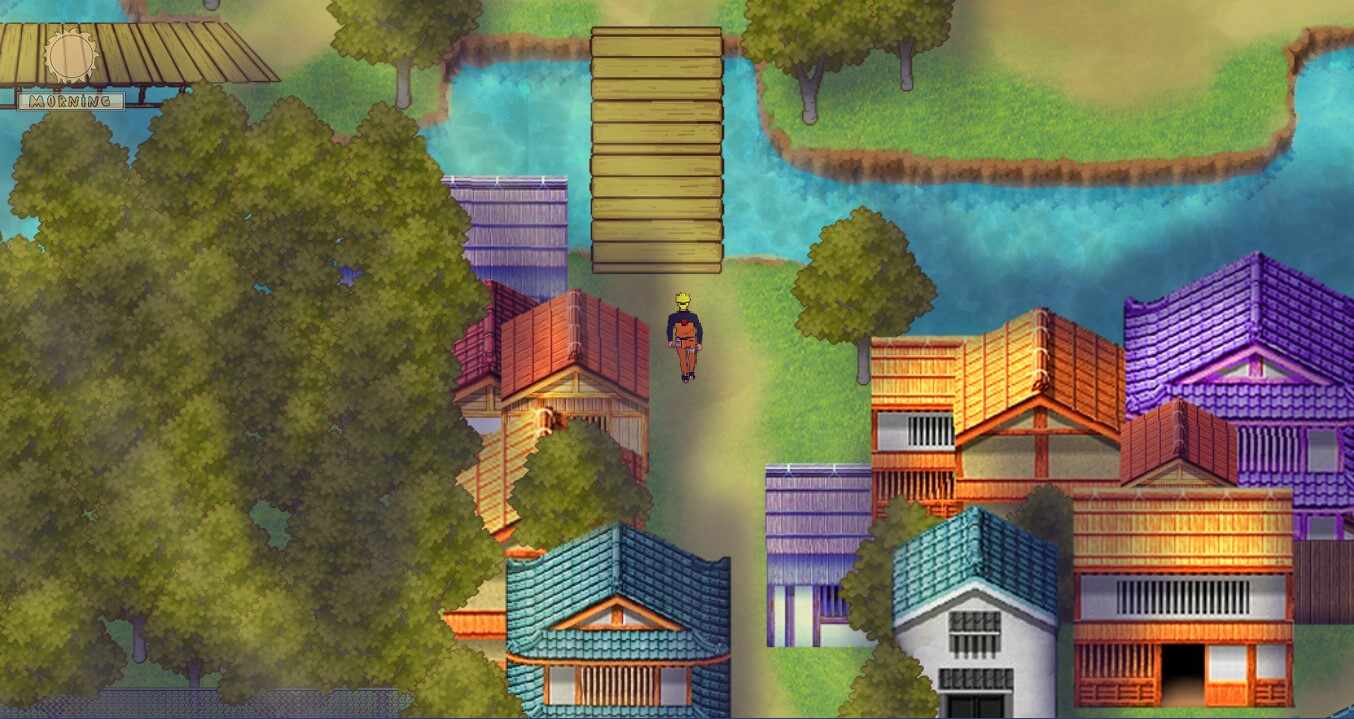
In-game Image gallery

Download Links
Android Download
Download for Windows/ Linux
The fastest and Simplest way to get new links or links fixed is by- Reaching us out at
DISCORD Join Link – adultgamers/discord/server
Please join as this helps us to keep the website fully functional, promising that every Link works.
Benefits—–
- Help for Games
- Help in any kind of downloading issue
- 4000+ members Community to chat/Help
- Game Requests and more…..
- Instant new game Release/update notifications
WE WELCOME YOU FELLOW CULTURED MAN 💓💓
- Swipe down to hide the ui
- Swipe Up to Unhide The Ui
- Swipe left to roll back
- Swipe right to start skipping of text
- swipe 2x(2Fingers) left&right to open the game menu
- swipe up&down to toggle a small window with memory usage information
- longpress the save file thumbnail in the save/load screen to delete this slot
Developer
Walk-Through Features:
For PC: Unzip the MOD and put the folder named “game” from the mod in your “xxxxxxx-0.1-pc” folder.
For MAC: Unzip the mod -> Right-click your “XXXXXX” app -> Click “Show Package Contents” -> Open the “Contents” then “Resources” folders -> Hold the Option key and drag the folder named “game” from the mod to the “autorun” folder -> Click merge.
Installation:
Extract file from file to the \game folder and overwrite when prompted.
For Gallery unlocker Mod:
Extract and Copy to game folder->renpy folder
For Android:
Unzip the mod and paste it into the –
Filemanager/Android/data/fetish.locator(this can also be com.fetish.locator)/files
Inside file, create the folder (game) if there’s no such folder in files.
In new android software version many mobile phones doesn’t shows the data of the game. Download any 3rd party file manager file X-Plore, from Play-store and u’ll be able to access the data folder
- This mod adds an in-game walkthrough for every character and event in the game. The walkthrough menu contains dynamic guides that let you track your progress for each character and see the requirements needed to trigger their scenes and advance their story.(Some MOD may not have all this)
- A cheat menu has also been added which has cheats that allow you to disable mini-games, such as increase money, (if there’s a money feature in game like money + 999999 ) unlock all secret cards, and unlock all of the scenes in the scene gallery (Some MOD may not have all this)
- I’ve also made a few other improvements to the game that can be changed in the mod settings menu, such as adding the option to skip the game startup splash screens. ((Some MOD may not have all this))
Installation: Let’s take example of game fetish locator
For Windows:
Unzip the mod and put the folder named “game” from the mod into your “Fetish-locator-2.0.21-pc” folder.
For Mac:
Unzip the mod -> Right click your Fetish-locator app -> Click “Show Package Contents” -> Put the files inside the folder named “game” from the mod into your “Contents/Resources/autorun/game” folder.
For Android:
Unzip the mod and paste it into the –
Filemanager/Android/data/fetish.locator(this can also be com.fetish.locator)/files
Inside file, create the folder (game) if there’s no such folder in files.
In new android software version many mobile phones doesn’t shows the data of the game. Download any 3rd party file manager file X-Plore, from Play-store and u’ll be able to access the data folder
To open the mod menu, click the help icon near the top left of the screen when you’re in-game
Author's rating
- Story Line - 69%69%
- Graphics - 77%77%
- Render+Animation - 85%85%
- Engagement - 73%73%
Summary
This review is based on author’s perspective and actual experience may differ on the individual own preferences.