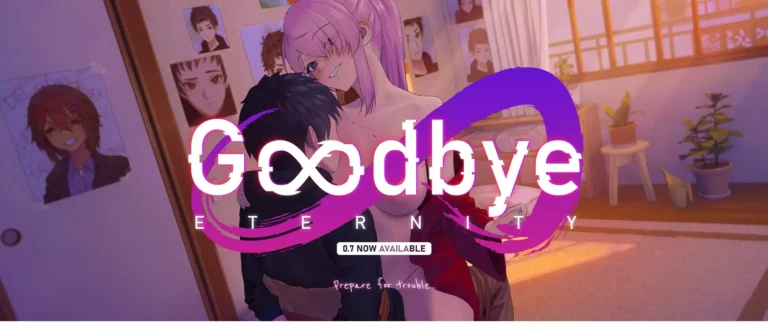
Download Adult game Goodbye Eternity New Version
Adult game Goodbye Eternity Info: In this Adult game Developer of the game says –
What if you had a new chance in life? What if you could make it better than all those years of misery and harassment?
What if you could get revenge on all the people who wronged you and get what you always desired….
What will you do, with this chance as you wake up in a youthful body, thirty years in the past?
The choice is yours.
Formerly Known as Extra Life
Download Adult game Goodbye Eternity
Developer: RNGeusEX
Censored: No
Version: v0.14.0
Language: English
For Windows & Mac – Extract and run.
v0.14.0 Brings-
I won’t pretend this update went exactly as planned. It took much longer than expected, and honestly, I was probably too ambitious with it. But now that it’s done, I can say one thing for sure: this is the biggest content update we’ve released since the launch of the game.
This update doesn’t just add new scenes. A large part of the beginning of the game has been rebuilt from the ground up.
The intro has been rewritten, new events have been added, some missing links in the story have been filled, and several character relationships have been adjusted so everything feels more natural and coherent going forward.
And yes, after all this time, Goodbye Eternity finally has a proper intro scene instead of starting with a black screen. I’ve wanted to fix that for a very long time, so I’m really happy it’s finally there.
The biggest part of this update is, of course, the rework of Asami’s Love route.
My goal was simple: make it feel warmer, more sincere, and give Asami the story she deserved from the beginning. Her route is now much longer, more complete, and I think it does a much better job of showing who she really is.
There are new interactions, new scenes, new CGs, new skins, and a lot more moments focused on her relationship with Saito. If you liked Asami before, I really hope this version makes you like her even more.
Because the beginning of the game has changed so much, old saves may cause issues. For the best experience, I strongly recommend starting a new game. I know that’s not always ideal, but with this update, it really is the cleanest way to experience everything properly.
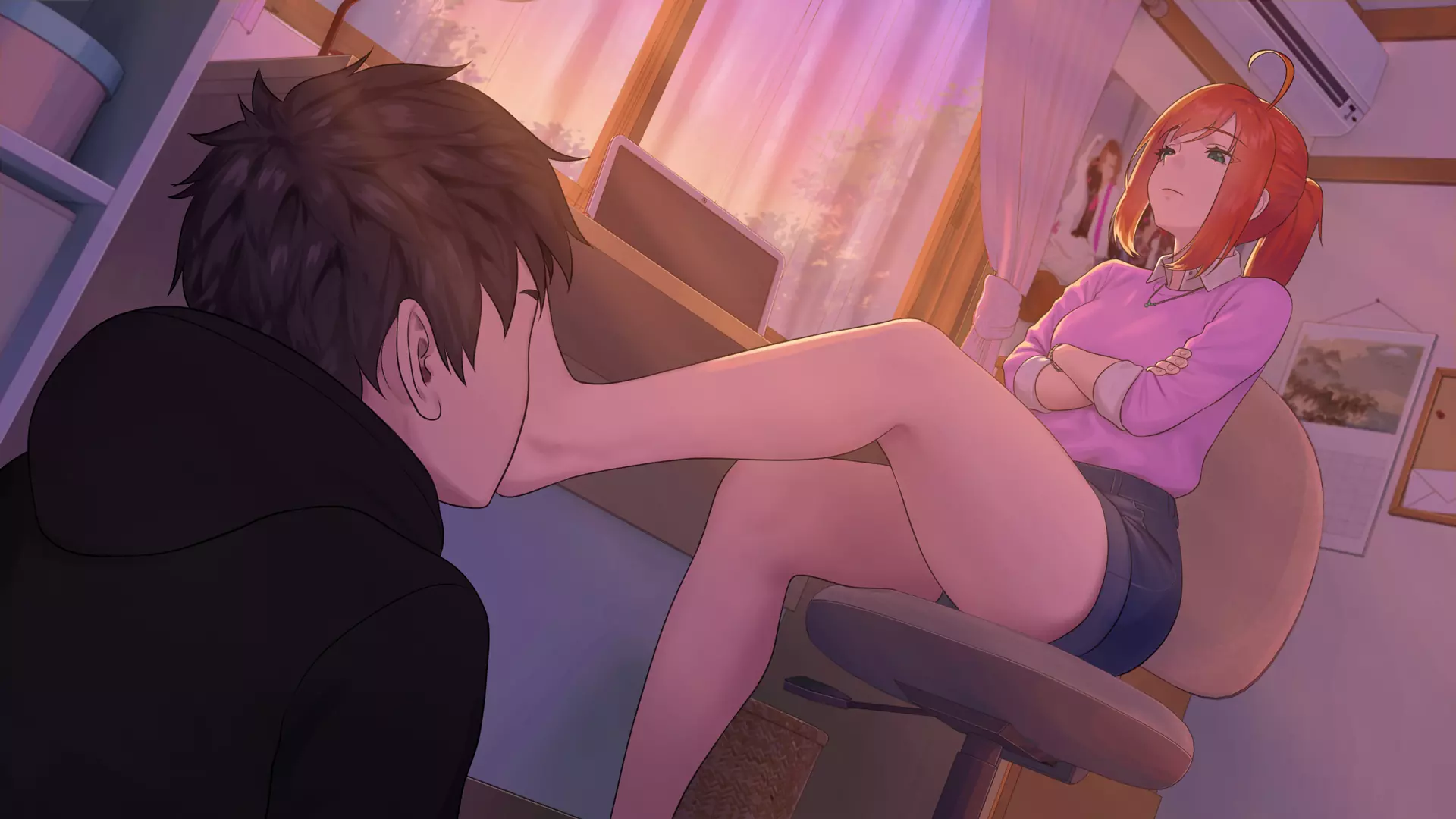
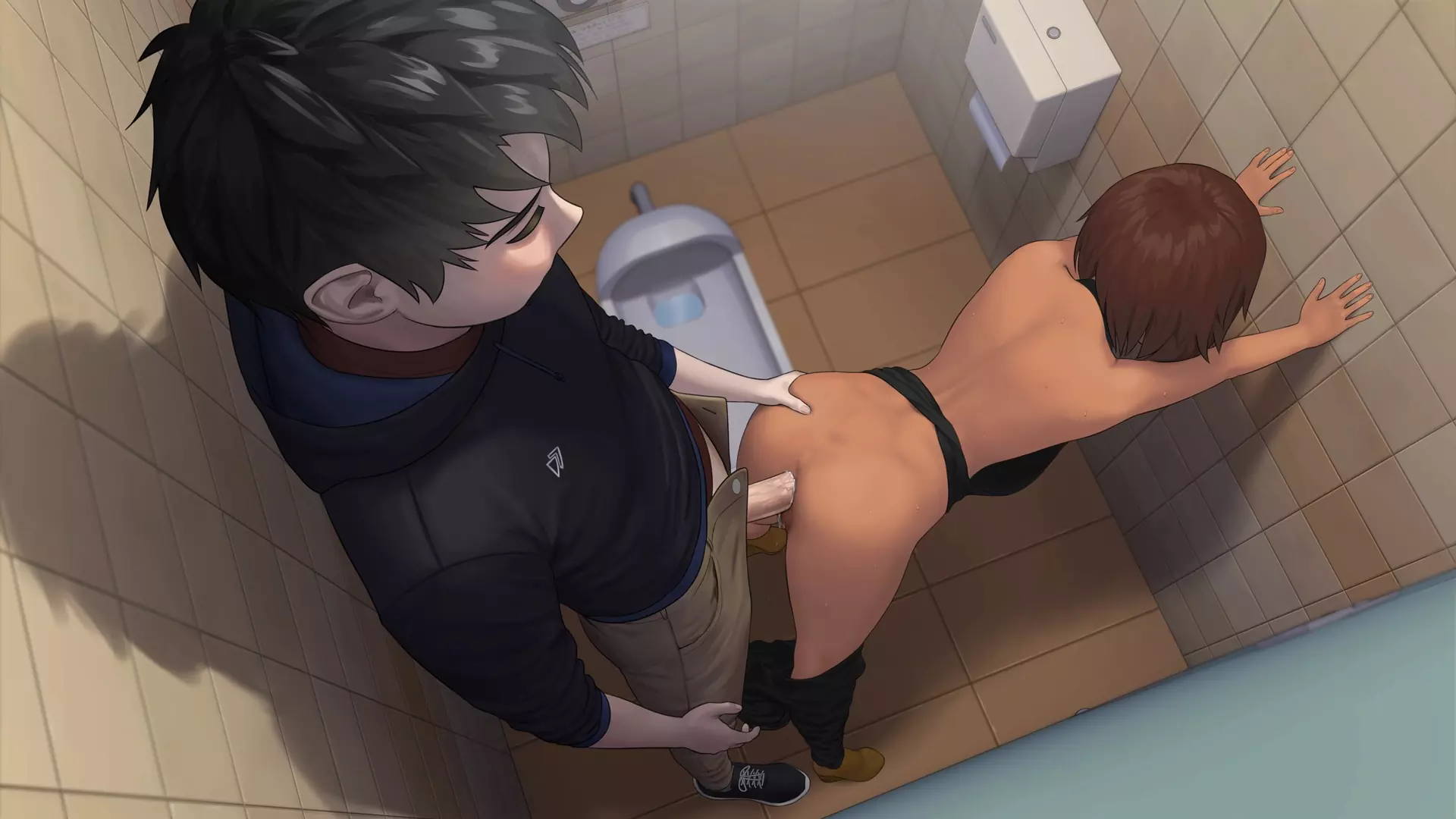
In-game Image gallery


Download Links
Android Download
Download for Windows/ Linux
Mac Download- v0.13.0
The fastest and Simplest way to get new links or links fixed is by- Reaching us out at
DISCORD Join Link – adultgamers/discord/server
Please join as this helps us to keep the website fully functional, promising that every Link works.
Benefits—–
- Help for Games
- Help in any kind of downloading issue
- 4000+ members Community to chat/Help
- Game Requests and more…..
- Instant new game Release/update notifications
WE WELCOME YOU FELLOW CULTURED MAN 💓💓

- Swipe down to hide the ui
- Swipe Up to Unhide The Ui
- Swipe left to roll back
- Swipe right to start skipping of text
- swipe 2x(2Fingers) left&right to open the game menu
- swipe up&down to toggle a small window with memory usage information
- longpress the save file thumbnail in the save/load screen to delete this slot
Let’s take example of the game – Fetish Locator
Copy the downloaded xxxxxxx.rpc file into “Fetish locator/game” folder.
NOTE- [here xxxxx = name of the incest patch file you downloaded, it is just a reference name xxxx, original name will be something else]
In android if there’s no game folder, then create a game folder-
Filemanager/Android/data/fetish.locator(this can also be com.fetish.locator)/files
Inside file create the folder (game) if there’s no such folder in files
In new android software version many mobile phones doesn’t shows the data of the game. Download any 3rd party file manager file X-Plore, from Play-store and u’ll be able to access the data folder
Click The download button below, to download the Incest Patch
Gallery MOD
Walk-Through Features:
For PC: Unzip the MOD and put the folder named “game” from the mod in your “xxxxxxx-0.1-pc” folder.
For MAC: Unzip the mod -> Right-click your “XXXXXX” app -> Click “Show Package Contents” -> Open the “Contents” then “Resources” folders -> Hold the Option key and drag the folder named “game” from the mod to the “autorun” folder -> Click merge.
Installation:
Extract file from file to the \game folder and overwrite when prompted.
For Gallery unlocker Mod:
Extract and Copy to game folder->renpy folder
For Android:
Unzip the mod and paste it into the –
Filemanager/Android/data/fetish.locator(this can also be com.fetish.locator)/files
Inside file, create the folder (game) if there’s no such folder in files.
In new android software version many mobile phones doesn’t shows the data of the game. Download any 3rd party file manager file X-Plore, from Play-store and u’ll be able to access the data folder
- This mod adds an in-game walkthrough for every character and event in the game. The walkthrough menu contains dynamic guides that let you track your progress for each character and see the requirements needed to trigger their scenes and advance their story.(Some MOD may not have all this)
- A cheat menu has also been added which has cheats that allow you to disable mini-games, such as increase money, (if there’s a money feature in game like money + 999999 ) unlock all secret cards, and unlock all of the scenes in the scene gallery (Some MOD may not have all this)
- I’ve also made a few other improvements to the game that can be changed in the mod settings menu, such as adding the option to skip the game startup splash screens. ((Some MOD may not have all this))
Installation: Let’s take example of game fetish locator
For Windows:
Unzip the mod and put the folder named “game” from the mod into your “Fetish-locator-2.0.21-pc” folder.
For Mac:
Unzip the mod -> Right click your Fetish-locator app -> Click “Show Package Contents” -> Put the files inside the folder named “game” from the mod into your “Contents/Resources/autorun/game” folder.
For Android:
Unzip the mod and paste it into the –
Filemanager/Android/data/fetish.locator(this can also be com.fetish.locator)/files
Inside file, create the folder (game) if there’s no such folder in files.
In new android software version many mobile phones doesn’t shows the data of the game. Download any 3rd party file manager file X-Plore, from Play-store and u’ll be able to access the data folder
To open the mod menu, click the help icon near the top left of the screen when you’re in-game
Editor's Rating
- Story Line - 83%83%
- Graphics - 91%91%
- Render+Animation - 89%89%
- Engagement - 78%78%
Summary
This review is based on author’s perspective and actual experience may differ on the individual own preferences.