
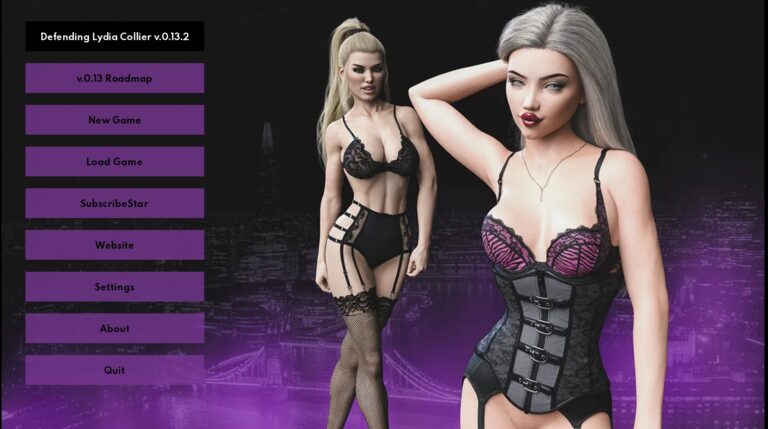
Defending Lydia Collier Download Adult game Defending Lydia Collier New Version
Adult Porn game Defending Lydia Collier Info: In this Adult game Developer of the game says – The story of a London-based lawyer called in to defend the wife of one of the city’s most influential and wealthy businessmen who has recently disappeared. You’ll be with the defendant during police interviews through to the trial in court, working to review evidence and help build her case. Along the way you’ll meet various other characters and experience the life of a currently single wealthy London lawyer. Whether your fresh out of school assistant or a local police officer catches your eye, you’ll be able to decide who you wish to interact with and choose to pursue romantically. This game will contain swearing, nudity and adult scenes.
Download Adult Porn game Defending Lydia Collier
Developer: White Phantom Games
Censored: No
Version: v0.20
Language: English
For Windows & Mac – Extract and run.
v0.20 Brings-
Three new scenes for Lydia.*
Two new scenes for Ellie.*
New scene for Tiffany.
New scene for Tanya.
New scene for Emma.
New scene for Samantha.
*new plastic surgery scenes requite you to have completed Divine Health’s work project by Day 11.
5 New Achievements and unlockable reward images added.
New in-game walk-through across all sixteen days (can be activated or disabled from the settings).
New renders scattered throughout the days to remove potentially copyrighted material or third party content no longer relevant.
New renders for various ladies’ social media accounts.
Reworked Bimbo Stephanie evening after the adult store with an additional third path to tone down the kinkiness, original two paths are unchanged.
Lots of bug fixes and pathing changes, made it slightly easier to get onto Emma’s path.
Lots of typos fixed, huge amount of missing punctuation marks and grammar fixed in the early days.
Entire game recoded, all computer and phone elements recoded to work properly.
Computer interactions added at all previous placemarkers, with new evidence and news stories that change depending on your choices across all sixteen days.
New webpages for several in-game companies, Fleur and Tanya.
Overhauled Social Media (Our Moments and Whistle) with expanded galleries.
Overhauled BetOne website, with in-game bets no longer stopping after the first week, and adding in slots and blackjack as alternatives to get the betting achievements.
Overhauled Samantha Streaming to now properly link with Social Media.
Overhauled news websites and web-searching to easier find evidence and notable people.
Overhauled personal galleries to save pictures that you come across or are sent.
Overhauled email system and player bank.
New menus and theme, with new save game option and expanded replay gallery to now include separate tabs for Tiffany, Sophie and Tanya.
Optimisation of images moving nearly all jpegs to webp images, which roughly halves the required download size.
New Bug Reporting System, through Discord (link on game’s main menu) to enable accurate tracking, reporting and management of any bugs.
Updated EULA which replaces the previous one henceforth.
In-game Image gallery


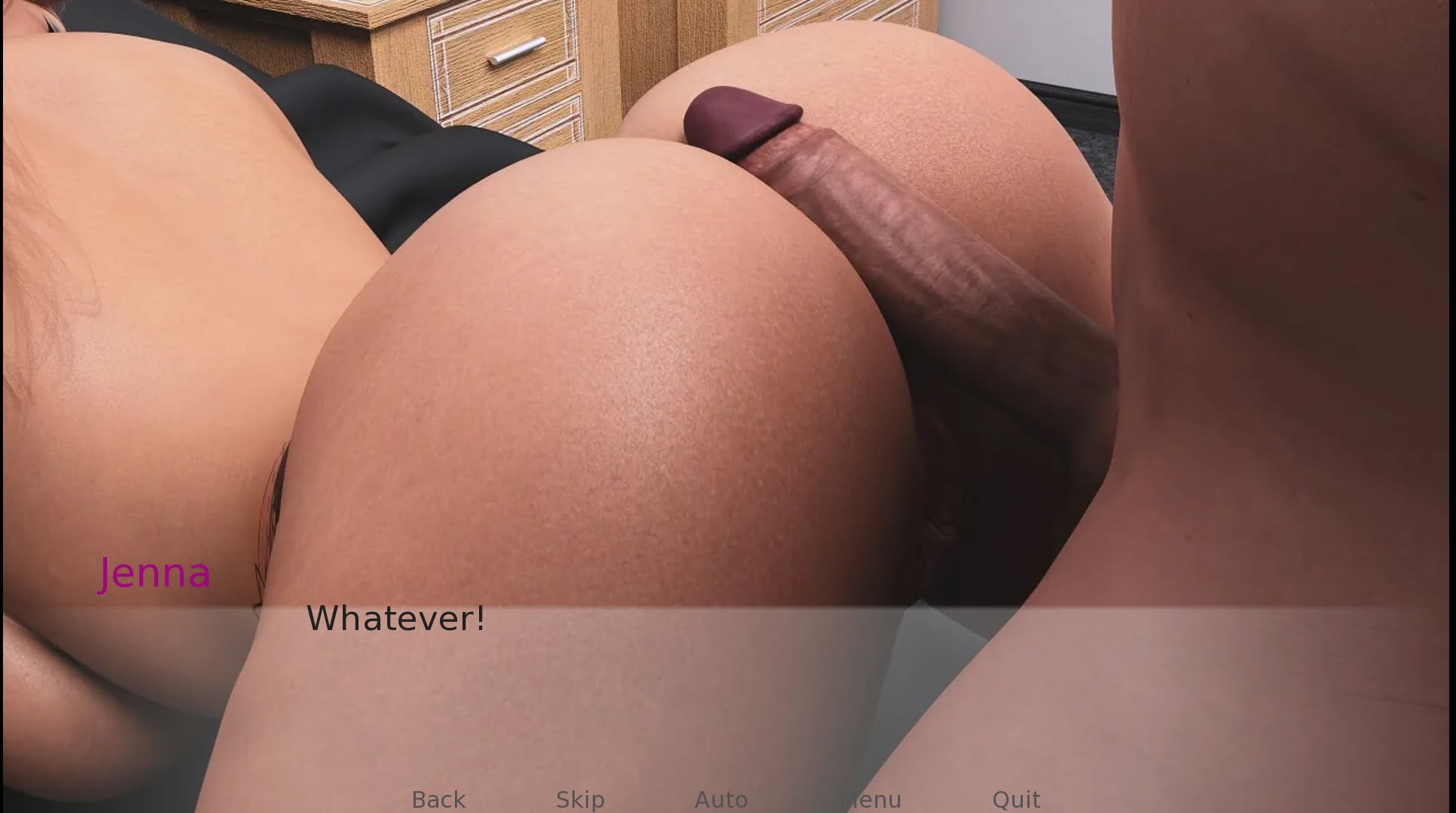
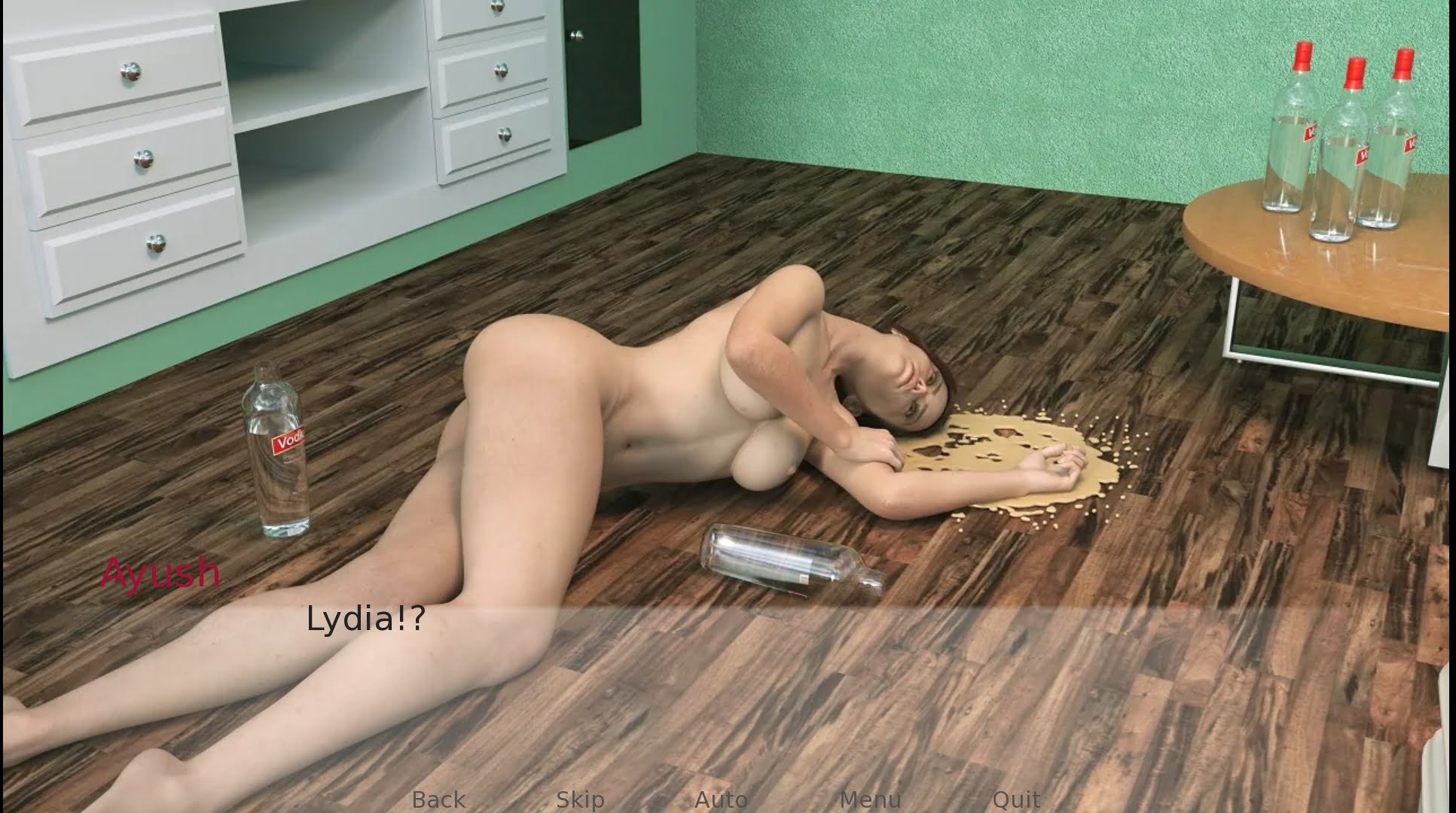
Download Adult game Defending Lydia Collier New version Adult game Download
Download Links
Android Download- APK- v0.17 Beta v1.6
Download for Windows/ Linux
Mac Download
The fastest and Simplest way to get new links or links fixed is by- Reaching us out at
DISCORD Join Link – adultgamers/discord/server
Please join as this helps us to keep the website fully functional, promising that every Link works.
Benefits—–
- Help for Games
- Help in any kind of downloading issue
- 4000+ members Community to chat/Help
- Game Requests and more…..
- Instant new game Release/update notifications
WE WELCOME YOU FELLOW CULTURED MAN 💓💓

- Swipe down to hide the ui
- Swipe Up to Unhide The Ui
- Swipe left to roll back
- Swipe right to start skipping of text
- swipe 2x(2Fingers) left&right to open the game menu
- swipe up&down to toggle a small window with memory usage information
- longpress the save file thumbnail in the save/load screen to delete this slot
Developer
Walk-through
Walk-through + Gallery Mod
Walk-Through Features:
For PC: Unzip the MOD and put the folder named “game” from the mod in your “xxxxxxx-0.1-pc” folder.
For MAC: Unzip the mod -> Right-click your “XXXXXX” app -> Click “Show Package Contents” -> Open the “Contents” then “Resources” folders -> Hold the Option key and drag the folder named “game” from the mod to the “autorun” folder -> Click merge.
Installation:
Extract file from file to the \game folder and overwrite when prompted.
For Gallery unlocker Mod:
Extract and Copy to game folder->renpy folder
For Android:
Unzip the mod and paste it into the –
Filemanager/Android/data/fetish.locator(this can also be com.fetish.locator)/files
Inside file, create the folder (game) if there’s no such folder in files.
In new android software version many mobile phones doesn’t shows the data of the game. Download any 3rd party file manager file X-Plore, from Play-store and u’ll be able to access the data folder
- This mod adds an in-game walkthrough for every character and event in the game. The walkthrough menu contains dynamic guides that let you track your progress for each character and see the requirements needed to trigger their scenes and advance their story.(Some MOD may not have all this)
- A cheat menu has also been added which has cheats that allow you to disable mini-games, such as increase money, (if there’s a money feature in game like money + 999999 ) unlock all secret cards, and unlock all of the scenes in the scene gallery (Some MOD may not have all this)
- I’ve also made a few other improvements to the game that can be changed in the mod settings menu, such as adding the option to skip the game startup splash screens. ((Some MOD may not have all this))
Installation: Let’s take example of game fetish locator
For Windows:
Unzip the mod and put the folder named “game” from the mod into your “Fetish-locator-2.0.21-pc” folder.
For Mac:
Unzip the mod -> Right click your Fetish-locator app -> Click “Show Package Contents” -> Put the files inside the folder named “game” from the mod into your “Contents/Resources/autorun/game” folder.
For Android:
Unzip the mod and paste it into the –
Filemanager/Android/data/fetish.locator(this can also be com.fetish.locator)/files
Inside file, create the folder (game) if there’s no such folder in files.
In new android software version many mobile phones doesn’t shows the data of the game. Download any 3rd party file manager file X-Plore, from Play-store and u’ll be able to access the data folder
To open the mod menu, click the help icon near the top left of the screen when you’re in-game
Author's Rating
- Story Line - 75%75%
- Graphics - 80%80%
- Renders - 80%80%
- Engagement - 72%72%
Summary
This review is based on author’s perspective and actual experience may differ on the individual own preferences.