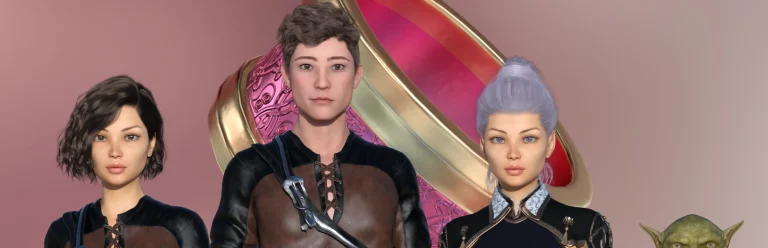
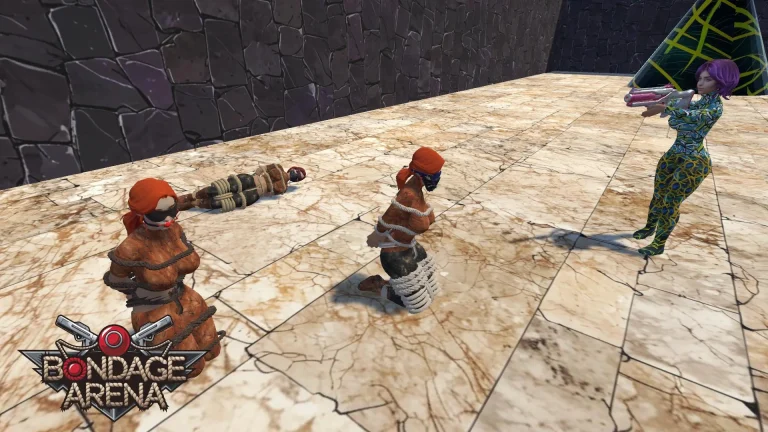
Bondage Arena is an erotic action-adventure game that combines thrilling battles with strategic gameplay. Players navigate a variety of challenges while exploring the dark and seductive world of bondage. The game features stunning visuals, interactive storylines, and diverse characters.
Developer: Captive DreamDev
Censored: No
Version: 21.0
OS: Windows
Language: English
Genre: 3D Game, Female Protagonist, BDSM, Combat, Fantasy, Turn-Based Combat, Puzzle, Strategy, Erotic, Adventure, Supernatural
For Windows & Mac – Extract and run.
v21.0 Brings-
- New gags and blindfolds. Added 47 new gags and 33 new blindfolds. Some models also support texture changes or custom coloring.
- Gag and blindfold equipment chance settings. You can configure each item separately as you wish. The higher the value, the more often it will be selected.
- POV mode. Watch the action directly from your character’s perspective. You can see your own body and turn your head. The default key for switching is B. In Settings – Graphics, you can also enable automatic POV mode activation in various situations.
- Ability to hide weapons. Separate movement animations are available for moving without a weapon. By default, AI girls will hide their weapons after battle, as well as in stealth mode and labyrinths. If necessary, they will draw them again. You can configure the percentage of girls who hide their weapons in different situations.
- Emotions. More than 60 emotions, gestures, and dances are available and can be used at any time. AI girls will use them during punishment mode and sometimes while patrolling.
- Updated AI behavior during punishment. I completely reworked the AI logic during punishment. Girls now act much more consistently instead of simply running around the map.
- New furniture. Added 6 variants of new furniture, 5 of which are interactive.
- Ability to wear a captive’s clothes or change her outfit to one of the prepared looks.
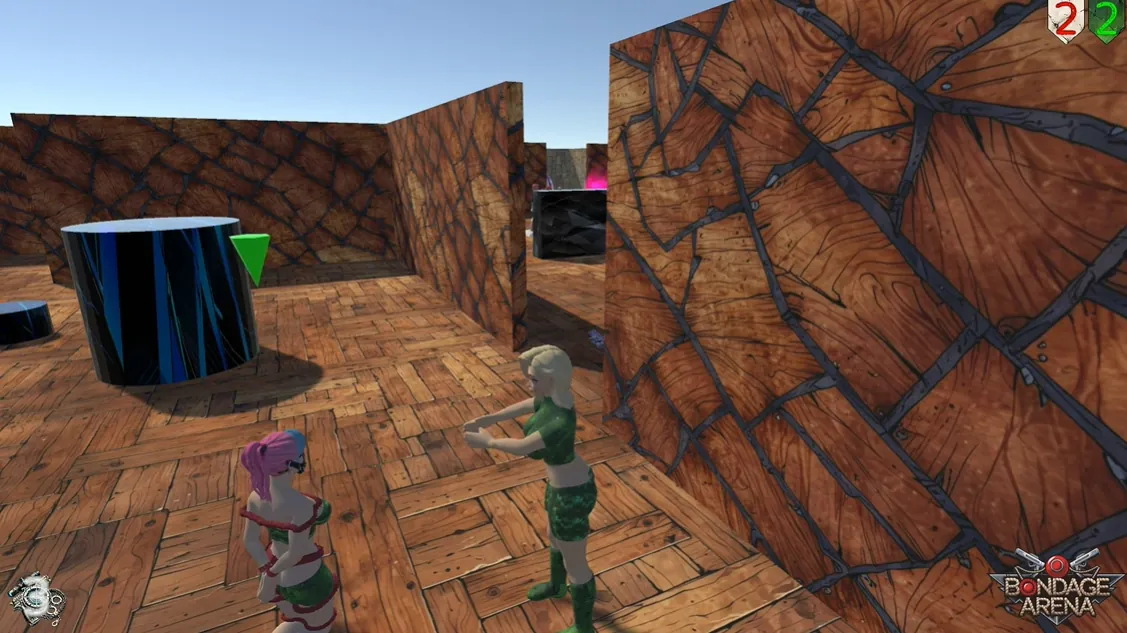
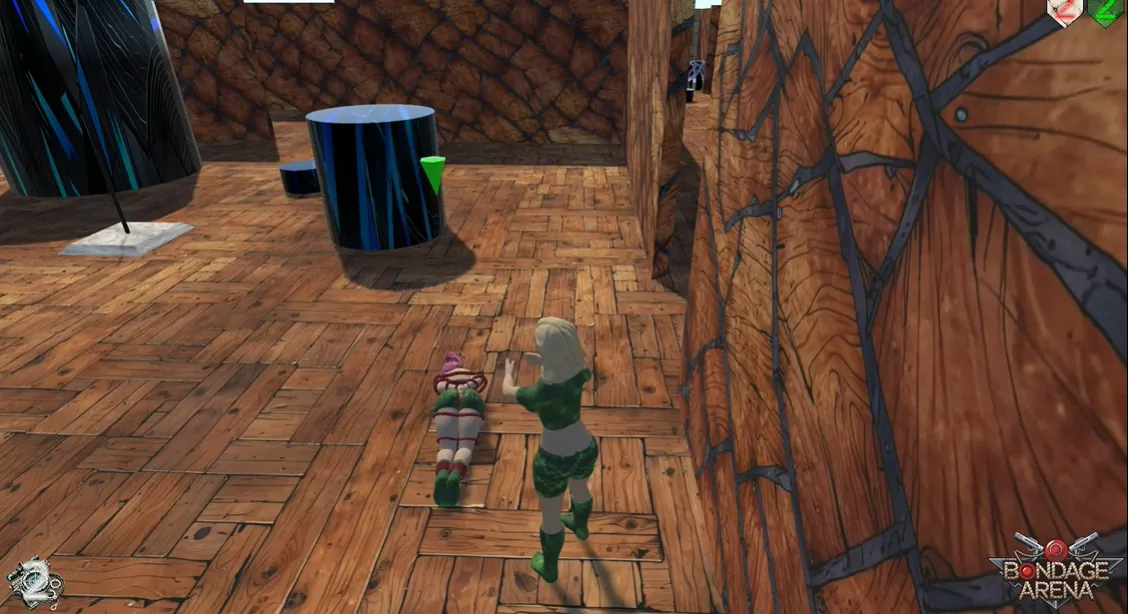
- New mode: Labyrinth. This is a separate mode, unrelated to the Space Pirates campaign. You can choose any girl from any team and set the number of fragments, difficulty, and other parameters. Pass through labyrinth fragments one by one and try not to get caught.
- New Labyrinth styles: prison and caves. New fragment maps in new styles.
- Saving/loading games is now available in Survival and Bondageddon modes. Saving is available through the pause menu. To load, press New Battle, then click the floppy disk icon in the upper-left corner.
- More teams in Bounty Hunt. On the Caves map – you can select up to 6 teams; on Pirate Island – up to 7; on Megapolis and Steampunk Megapolis – up to 11 and 12 respectively.
- In Bounty Hunt mode, you can now capture enemy terminals.
Rules:
- After a team is eliminated, its terminal becomes neutral.
- Neutral terminals can be captured by the player or AI. After that, the terminal changes owner.
- Captured terminals perform all the same functions as the main terminal.
- Only neutral terminals can be captured — the yellow ones. Some maps have purple terminals. These are shared terminals and cannot be captured.
- Improved AI behavior in Bounty Hunt. The AI now acts much more effectively.
- Slightly improved general AI logic during combat. Girls move more often, try to take better shooting positions, or close the distance if their weapon has poor accuracy.
- Many new settings.
- Many other, less significant changes.
- Old bug fixes.
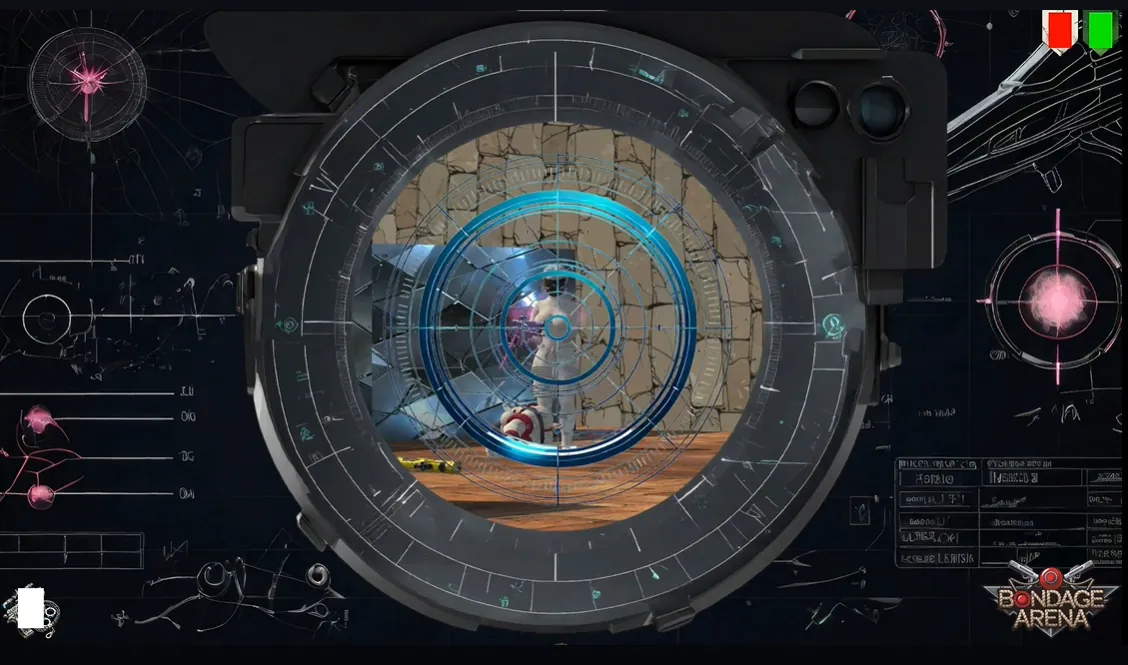
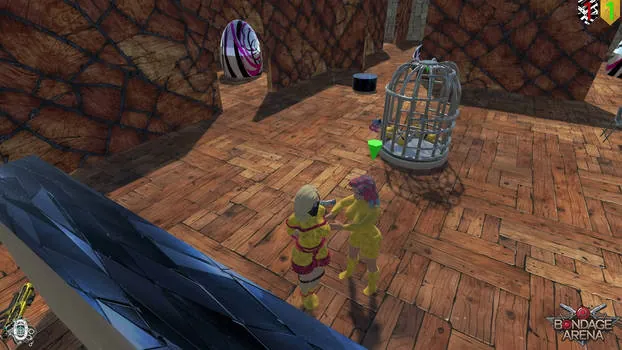
In-game Image gallery
Download Links
Download for Windows/ Linux
The fastest and Simplest way to get new links or links fixed is by- Reaching us out at
DISCORD Join Link – adultgamers/discord/server
Please join as this helps us to keep the website fully functional, promising that every Link works.
Benefits—–
- Help for Games
- Help in any kind of downloading issue
- 4000+ members Community to chat/Help
- Game Requests and more…..
- Instant new game Release/update notifications
WE WELCOME YOU FELLOW CULTURED MAN 💓💓
- Swipe down to hide the ui
- Swipe Up to Unhide The Ui
- Swipe left to roll back
- Swipe right to start skipping of text
- swipe 2x(2Fingers) left&right to open the game menu
- swipe up&down to toggle a small window with memory usage information
- longpress the save file thumbnail in the save/load screen to delete this slot
Developer
Walk-Through Features:
For PC: Unzip the MOD and put the folder named “game” from the mod in your “xxxxxxx-0.1-pc” folder.
For MAC: Unzip the mod -> Right-click your “XXXXXX” app -> Click “Show Package Contents” -> Open the “Contents” then “Resources” folders -> Hold the Option key and drag the folder named “game” from the mod to the “autorun” folder -> Click merge.
Installation:
Extract file from file to the \game folder and overwrite when prompted.
For Gallery unlocker Mod:
Extract and Copy to game folder->renpy folder
For Android:
Unzip the mod and paste it into the –
Filemanager/Android/data/fetish.locator(this can also be com.fetish.locator)/files
Inside file, create the folder (game) if there’s no such folder in files.
In new android software version many mobile phones doesn’t shows the data of the game. Download any 3rd party file manager file X-Plore, from Play-store and u’ll be able to access the data folder
- This mod adds an in-game walkthrough for every character and event in the game. The walkthrough menu contains dynamic guides that let you track your progress for each character and see the requirements needed to trigger their scenes and advance their story.(Some MOD may not have all this)
- A cheat menu has also been added which has cheats that allow you to disable mini-games, such as increase money, (if there’s a money feature in game like money + 999999 ) unlock all secret cards, and unlock all of the scenes in the scene gallery (Some MOD may not have all this)
- I’ve also made a few other improvements to the game that can be changed in the mod settings menu, such as adding the option to skip the game startup splash screens. ((Some MOD may not have all this))
Installation: Let’s take example of game fetish locator
For Windows:
Unzip the mod and put the folder named “game” from the mod into your “Fetish-locator-2.0.21-pc” folder.
For Mac:
Unzip the mod -> Right click your Fetish-locator app -> Click “Show Package Contents” -> Put the files inside the folder named “game” from the mod into your “Contents/Resources/autorun/game” folder.
For Android:
Unzip the mod and paste it into the –
Filemanager/Android/data/fetish.locator(this can also be com.fetish.locator)/files
Inside file, create the folder (game) if there’s no such folder in files.
In new android software version many mobile phones doesn’t shows the data of the game. Download any 3rd party file manager file X-Plore, from Play-store and u’ll be able to access the data folder
To open the mod menu, click the help icon near the top left of the screen when you’re in-game
Author's Rating
- Story Line - 50%50%
- Graphics - 59%59%
- Renders - 59%59%
- Engagement - 62%62%
Summary
This review is based on Editor’s perspective and actual experience may differ on the individual own preferences.